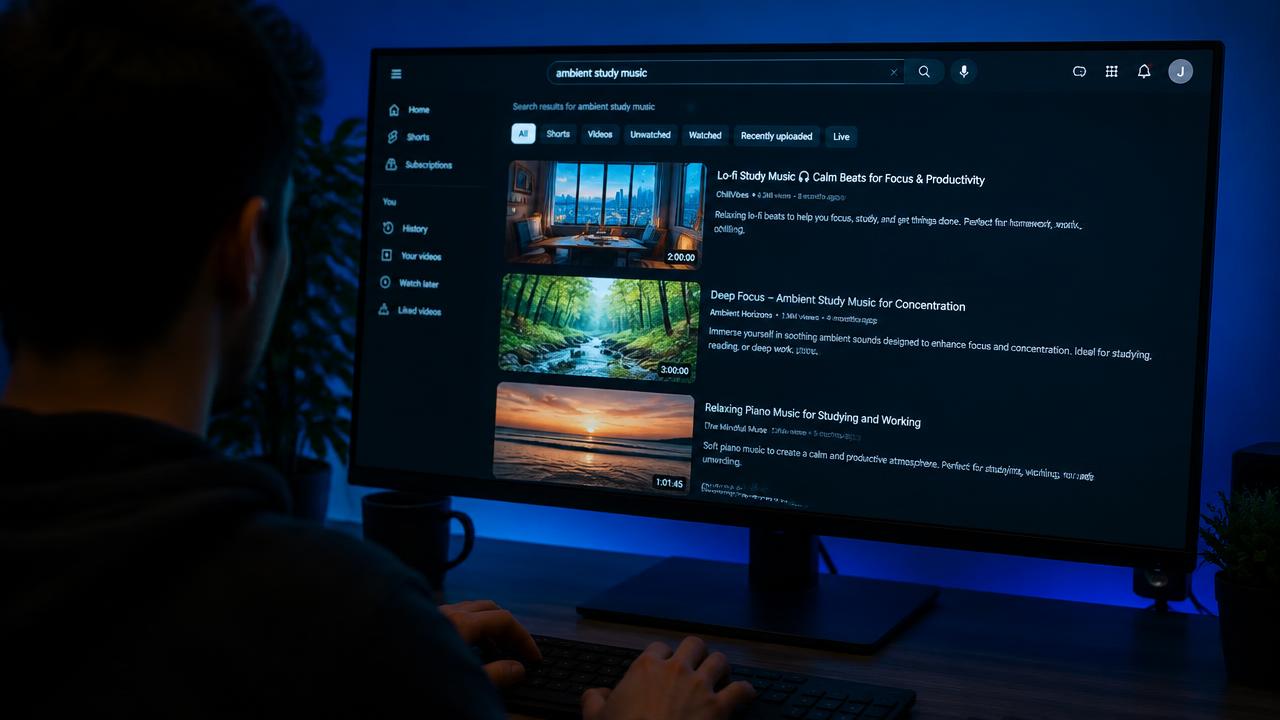
How to Make YouTube Thumbnails That Get Clicks
Design rules for high-CTR thumbnails: contrast, faces, text, and testing variations.
7 min read · September 29, 2026
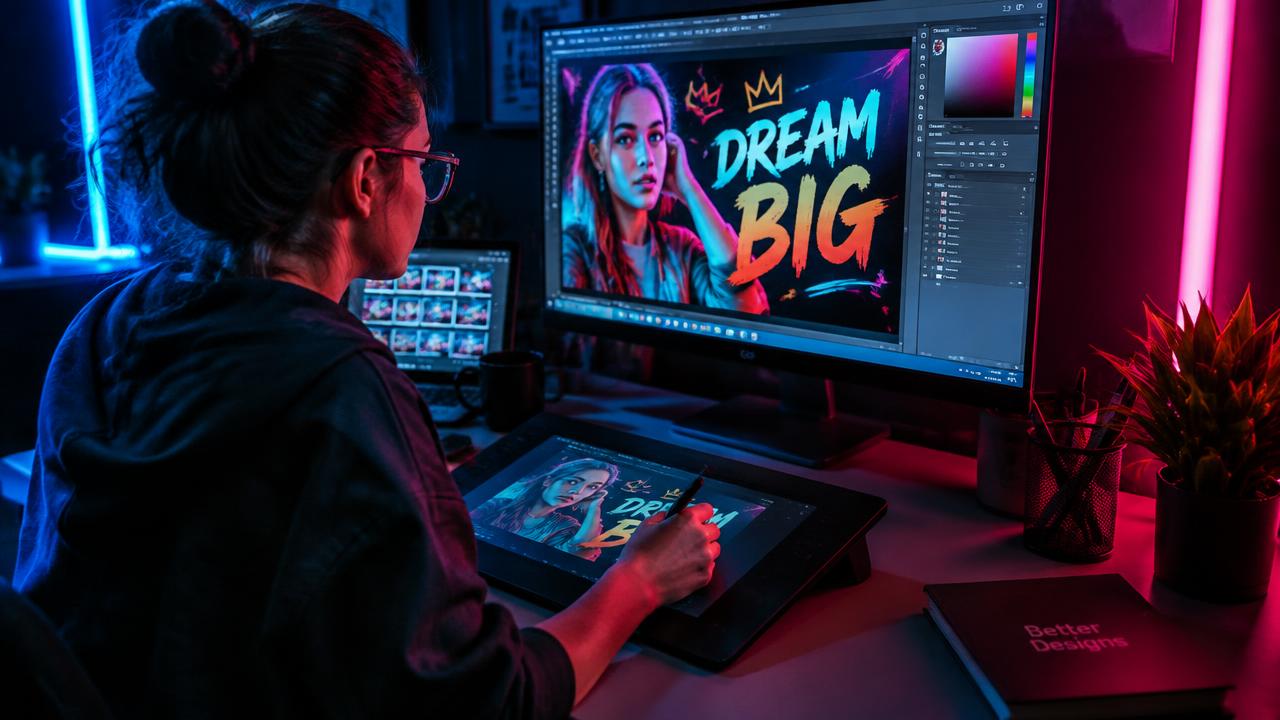
Design for a tiny screen
Most viewers see your thumbnail at phone size. If it isn't clear at 160 pixels wide, simplify it.

The core ingredients
- One subject — a face with clear emotion or a single object.
- Strong contrast between subject and background.
- Up to 3–4 bold words that add to, not repeat, the title.
- Use 1280×720 px (16:9) for standard videos.
Create curiosity
Show a before/after, a surprising result, or the moment just before something happens. The viewer should need to click to resolve it.

Test variations
Make several concepts for each video and compare CTR. Even small changes to expression or colour can make a noticeable difference.
Put this into practice with TubeDoe
AI tools for ideas, thumbnails, SEO and channel audits. 5 free credits.
Create a thumbnail