










YouTube Banner & Logo Maker With Safe-Area Previews
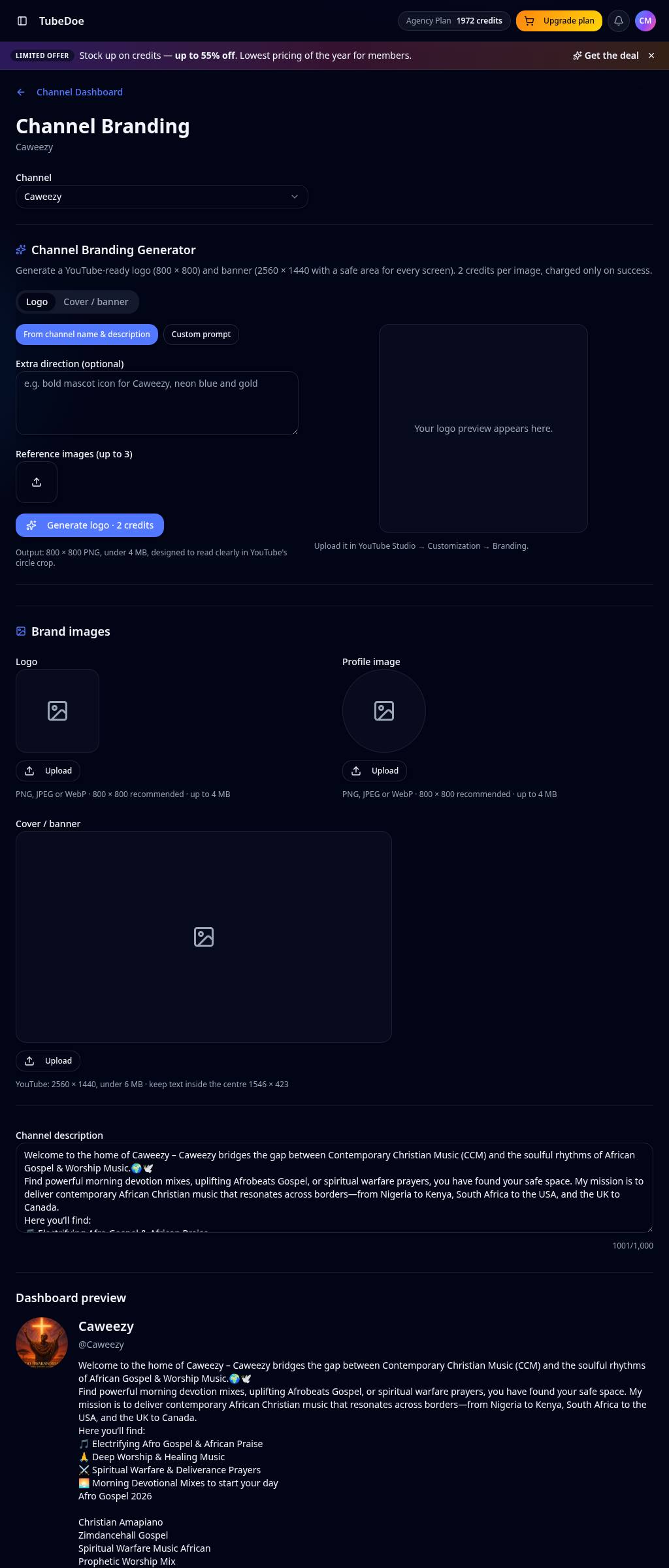
Generate channel art built from your real channel details: a profile picture at 800×800 and a banner at 2560×1440 with the 1546×423 safe area marked, so nothing gets cropped on phones.
No credit card required · 5 free starter credits
Why creators use the YouTube Channel Branding Generator
Correct sizes
800×800 logos and 2560×1440 banners, exported exactly as YouTube expects.
Safe-area preview
See how the banner crops on TV, desktop and mobile before you upload.
Matched to you
Uses your channel name, description and up to three reference images.
Edit & regenerate
Tweak the prompt, regenerate and download — 2 credits per successful image.
How to use the YouTube Channel Branding Generator
- 1
Pick your channel
Your name and description fill the brief automatically.
- 2
Add direction
Describe colours or style and add reference images.
- 3
Preview & download
Check the safe area, download, then upload in YouTube Studio.
YouTube Channel Branding Generator FAQ
What is the YouTube banner size?
2560×1440 pixels, with the important content inside the central 1546×423 safe area.
Does TubeDoe change my channel automatically?
No. TubeDoe is read-only; you download the files and upload them yourself in YouTube Studio.
How much does it cost?
Each successful logo or banner uses 2 credits.
Related YouTube tools
YouTube Thumbnail Studio
Make click-worthy YouTube thumbnails from a simple prompt. Add your face or references, get 1280×720 and Shorts sizes, then score them before you upload.
YouTube Channel Dashboard
See your YouTube channel's views, subscribers, uploads and video SEO scores in one dashboard, with daily, weekly and monthly charts built from real data.
YouTube Milestone Tracker
Track YouTube view and subscriber milestones automatically. Get a branded email and a shareable milestone card when your channel hits 1K, 10K, 1M and beyond.
Start growing your channel today
Join thousands of creators using TubeDoe to plan, create and rank faster.