How to Use the YouTube Channel Branding Generator: Step-by-Step Tutorial
Generate channel art built from your real channel details: a profile picture at 800×800 and a banner at 2560×1440 with the 1546×423 safe area marked, so nothing gets cropped on phones.
1Open Channel Branding
Go to Channel Branding. Your channel name and description are pre-filled so designs match your channel.
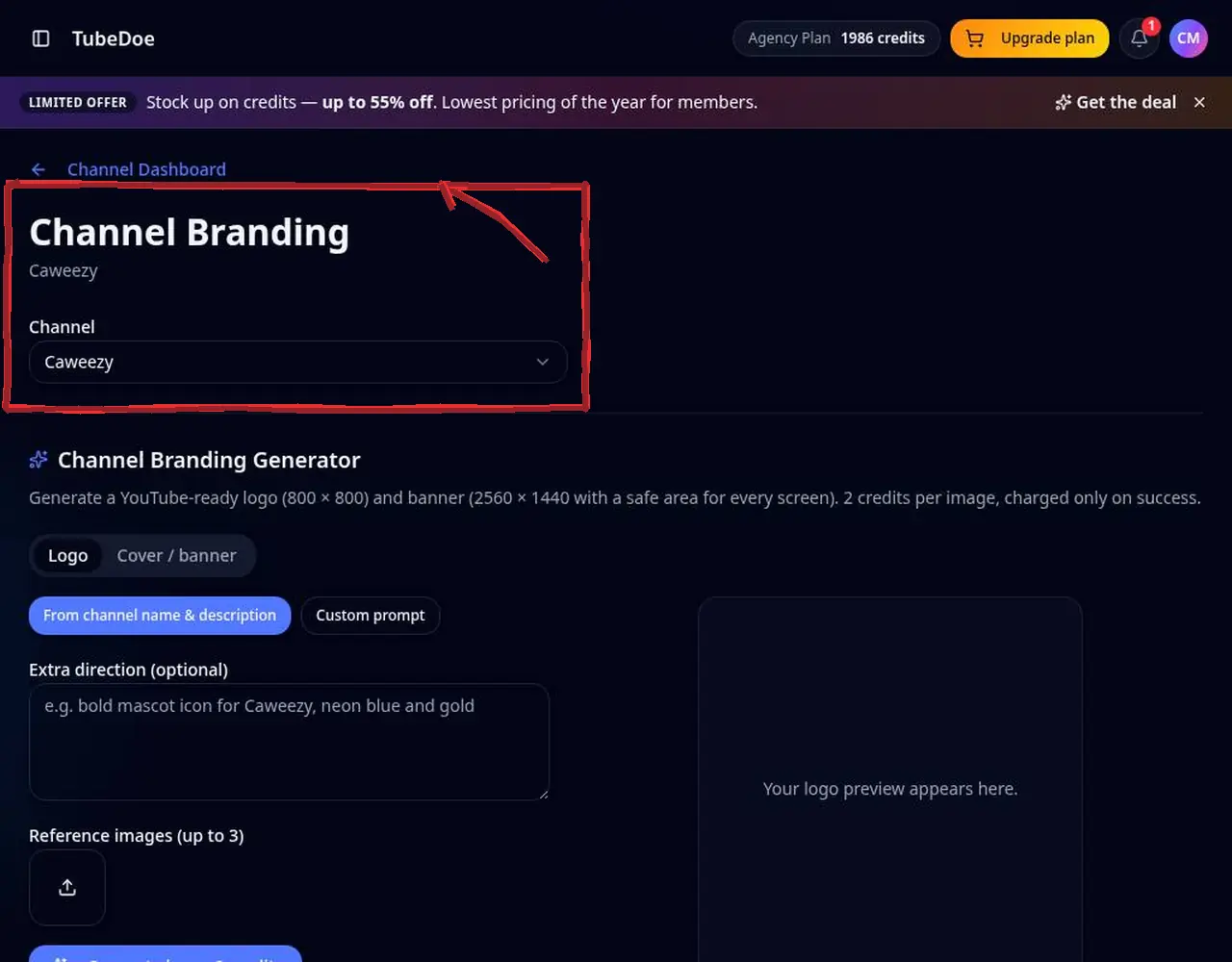 1: Open Channel Branding
Step 1 — Open Channel Branding 2Describe the look in the Channel Branding Generator
Add a custom prompt (colours, mood, symbols) and up to three reference images. Choose logo (800×800) or banner (2560×1440).
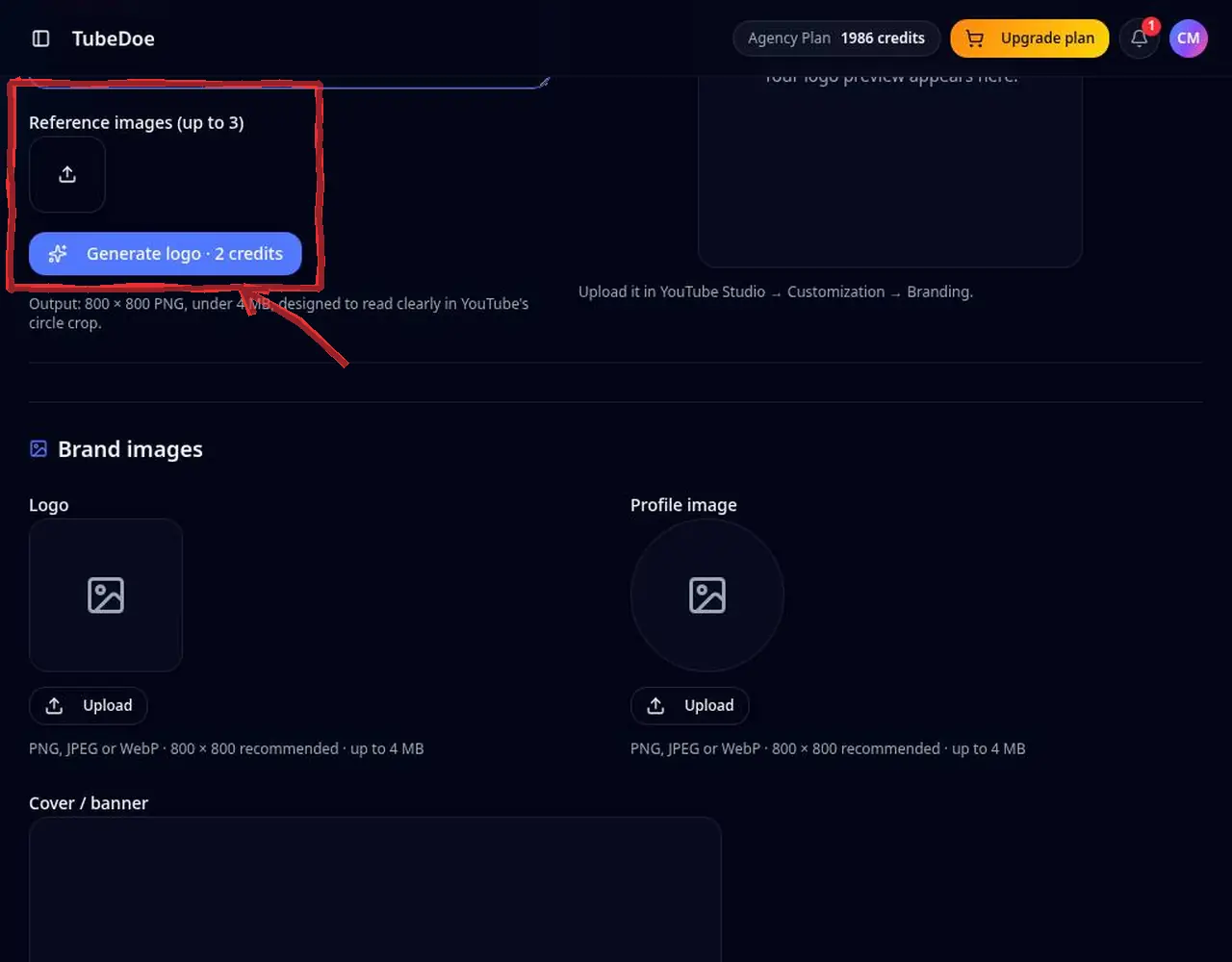 2: Describe the look in the Channel Branding Generator
Step 2 — Describe the look in the Channel Branding Generator 3Check the safe area
Banners show the centered 1546×423 safe area that is visible on every device. Keep your name and key text inside it.
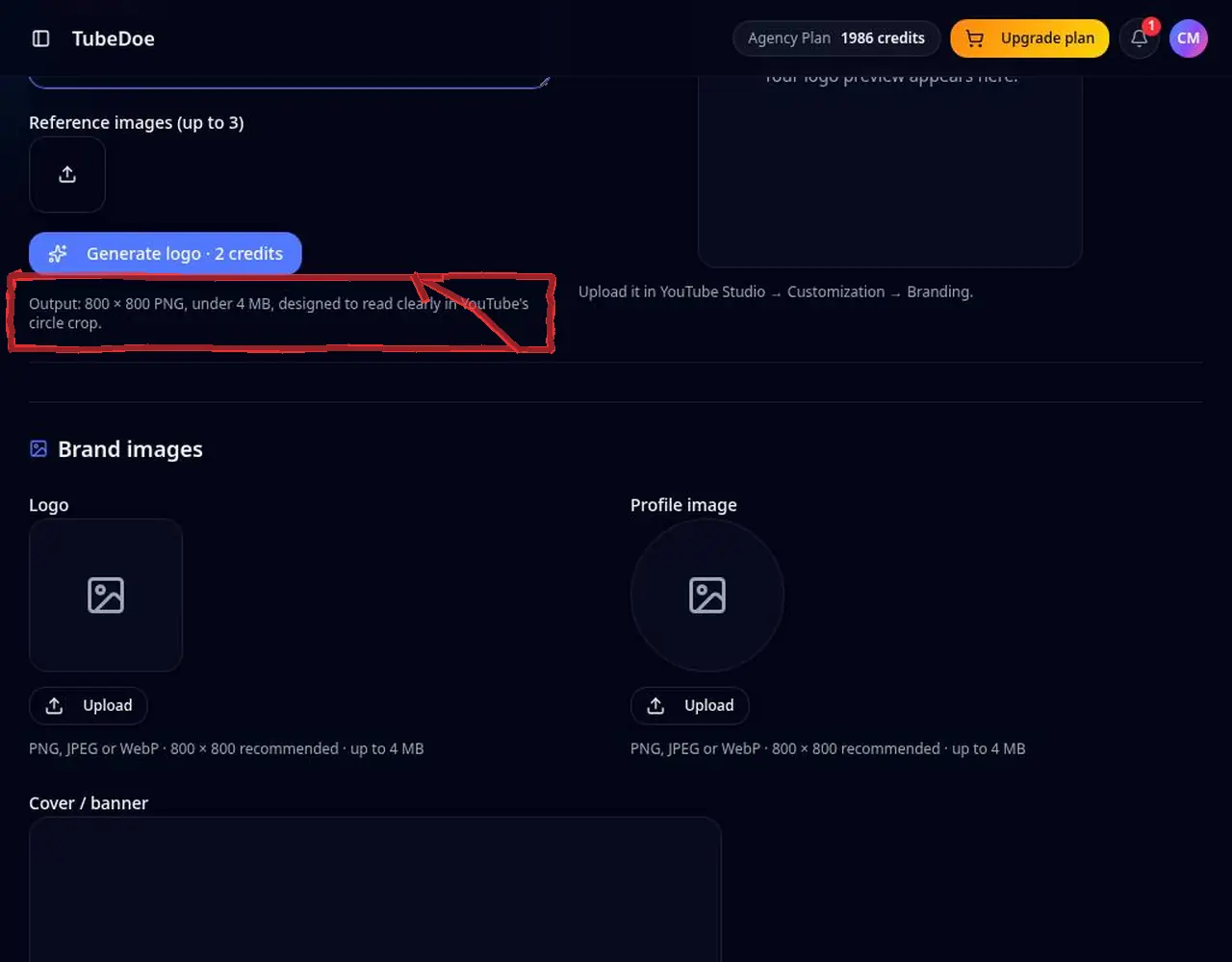 3: Check the safe area
Step 3 — Check the safe area 4Edit, regenerate or download
Results appear under Brand images. Edit with an instruction, regenerate, or download the file.
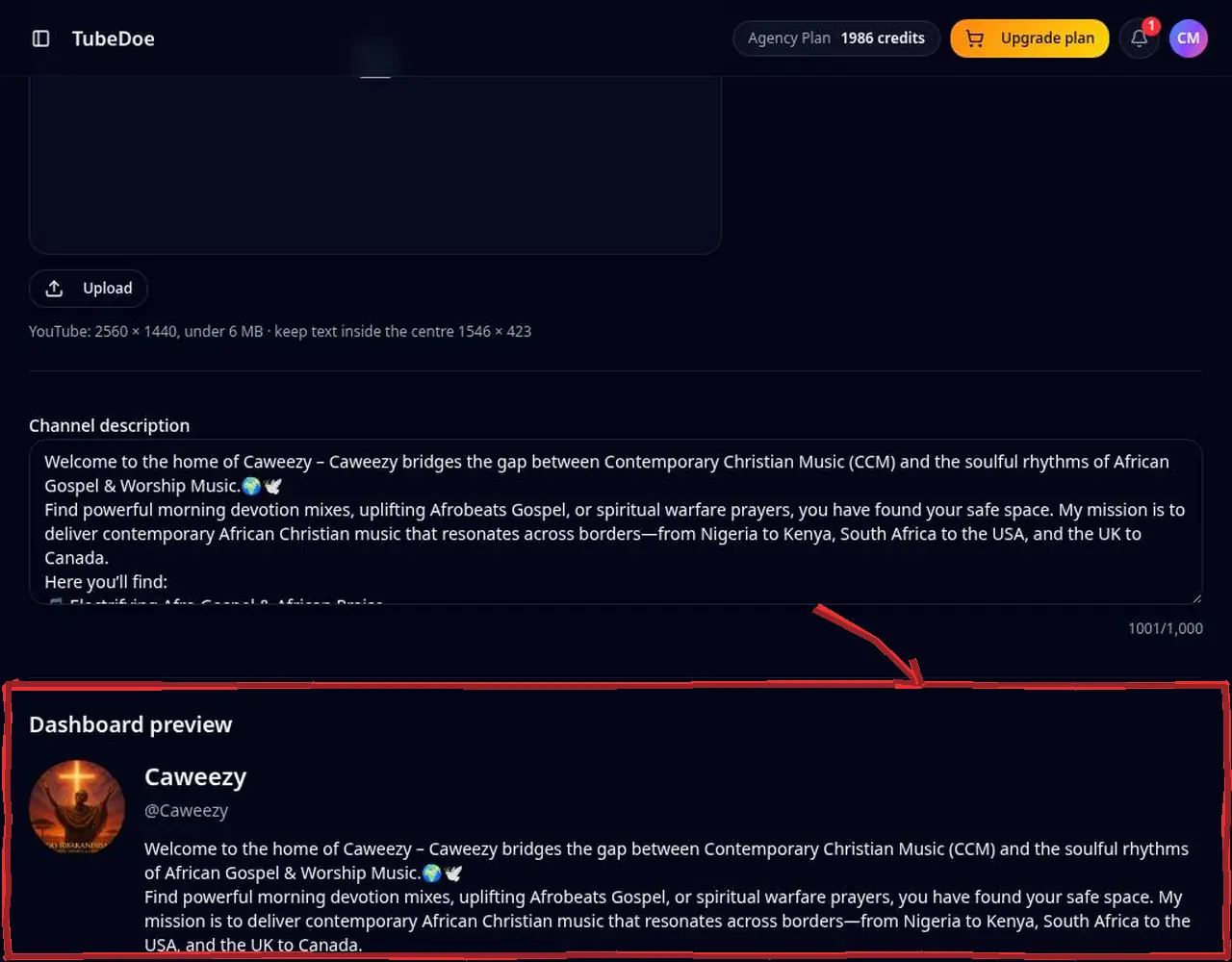 4: Edit, regenerate or download
Step 4 — Edit, regenerate or download 5Upload in YouTube Studio
Open YouTube Studio → Customisation → Branding and upload your files. TubeDoe never changes your channel automatically.
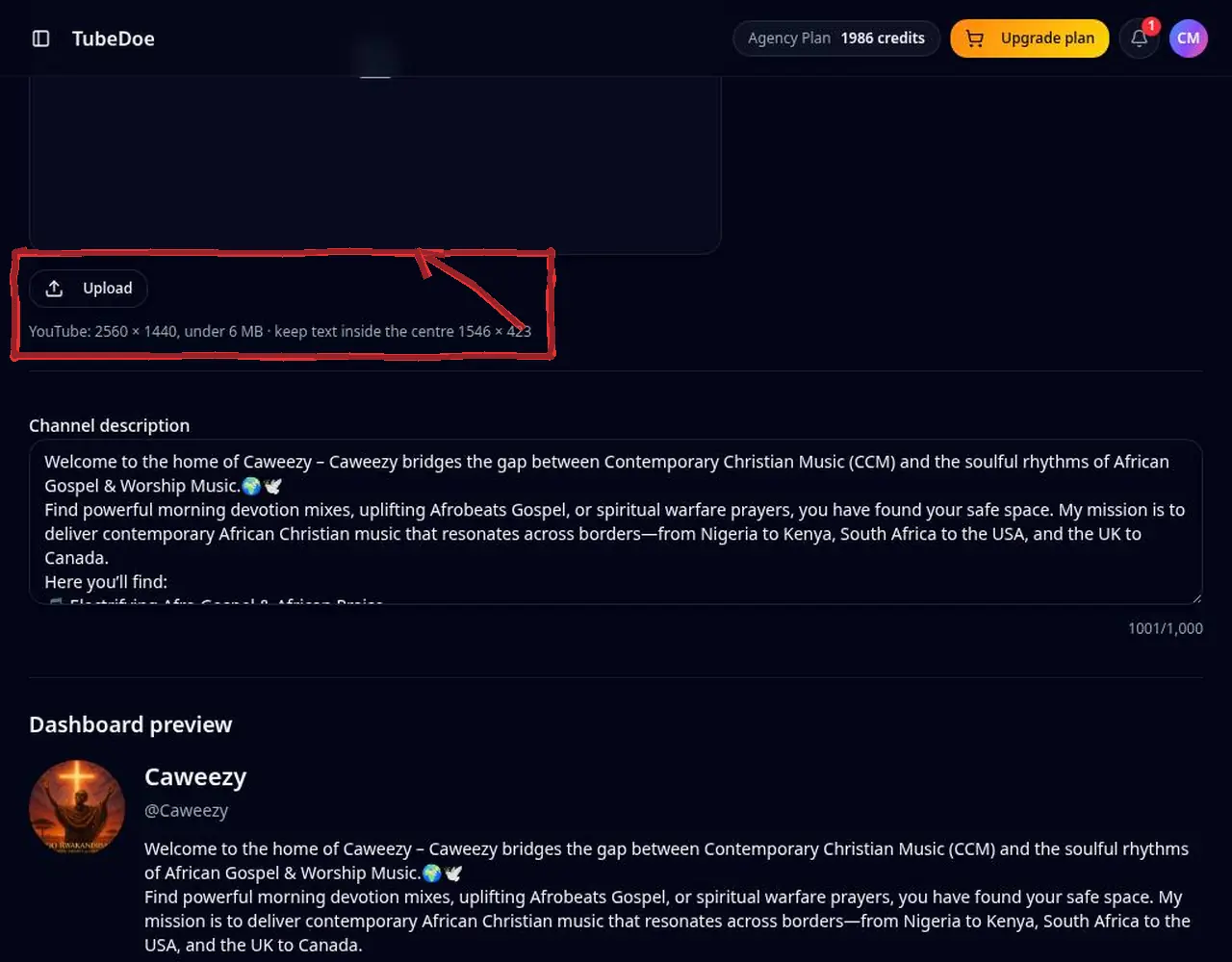 5: Upload in YouTube Studio
Step 5 — Upload in YouTube Studio
Pro tips
- Use 2–3 brand colours and reuse them in thumbnails.
- Download the current art first with the free YouTube Profile Picture & Banner Downloader as a backup.
Mistakes to avoid
- Placing text outside the 1546×423 safe area — it gets cropped on phones.
YouTube Channel Branding Generator FAQ
What is the YouTube banner size?
2560×1440 pixels, with the important content inside the central 1546×423 safe area.
Does TubeDoe change my channel automatically?
No. TubeDoe is read-only; you download the files and upload them yourself in YouTube Studio.
How much does it cost?
Each successful logo or banner uses 2 credits.
What size is a YouTube banner?
2560×1440 pixels, with a 1546×423 safe area in the centre that shows on all devices.
What size is a YouTube profile picture?
800×800 pixels; it's displayed as a circle, so keep important details centered.