How to Use the YouTube Milestone Tracker: Step-by-Step Tutorial
TubeDoe checks your public channel counters every day. When you pass a milestone, you get confetti on your dashboard, a branded email and a card you can share with your subscribers.
1Open Growth Milestones
Go to Milestones. Your first reading is saved as a silent baseline, so older milestones are never emailed as new.
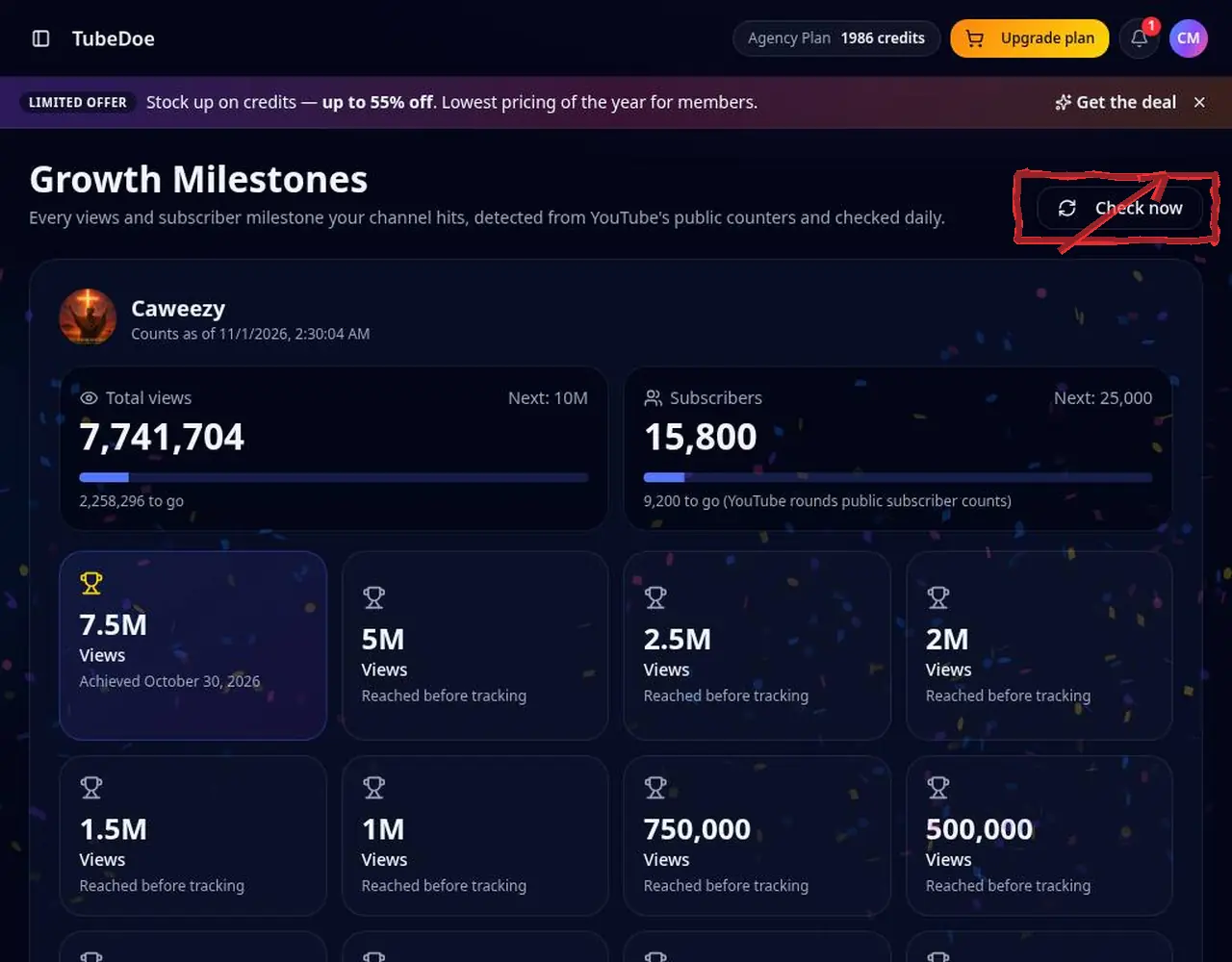 1: Open Growth Milestones
Step 1 — Open Growth Milestones 2Check your progress
See the progress bar towards your next view and subscriber milestone. Tap Check now for an instant reading.
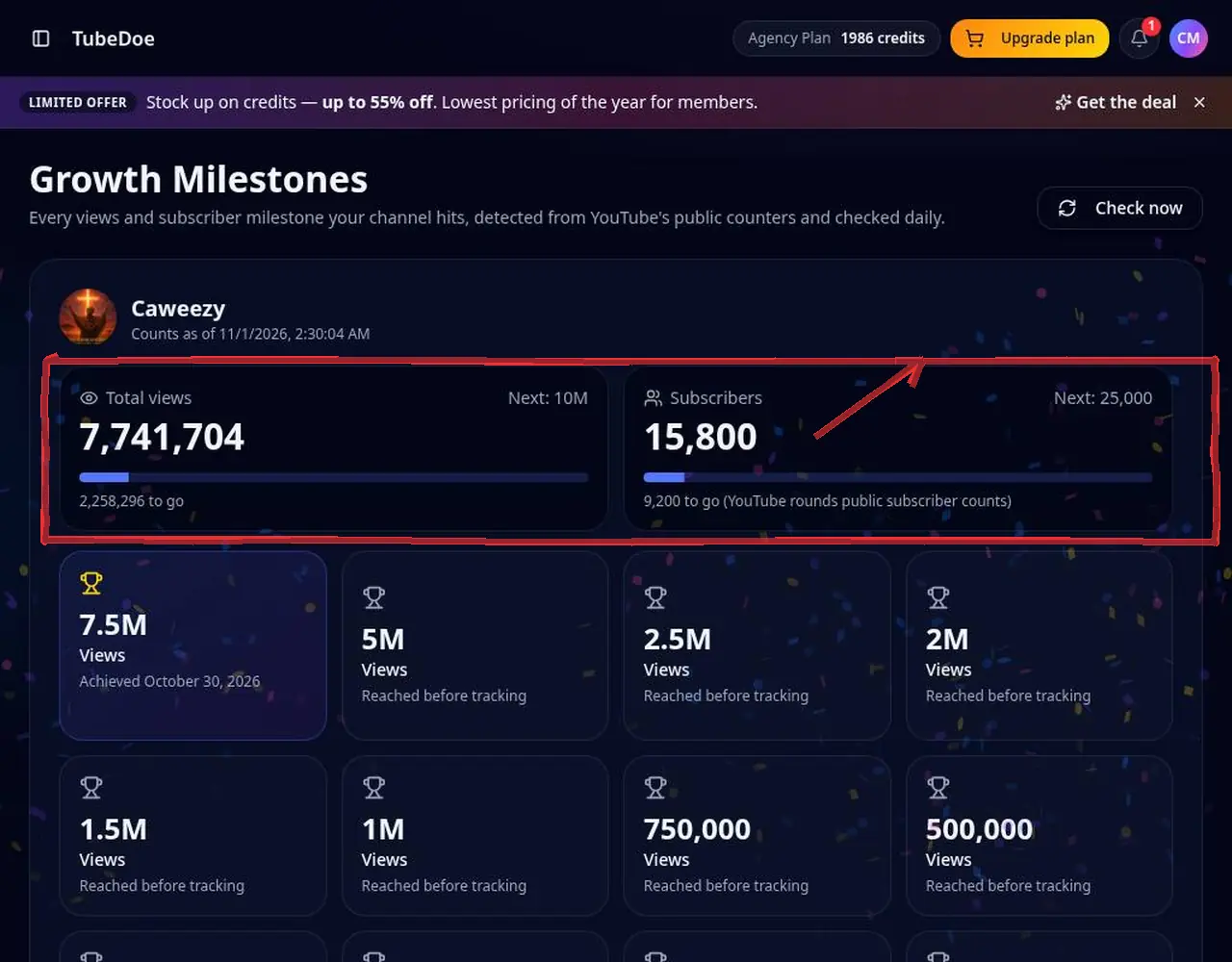 2: Check your progress
Step 2 — Check your progress 3Celebrate a new milestone
When you pass one, confetti plays on the page and a branded email is sent to you.
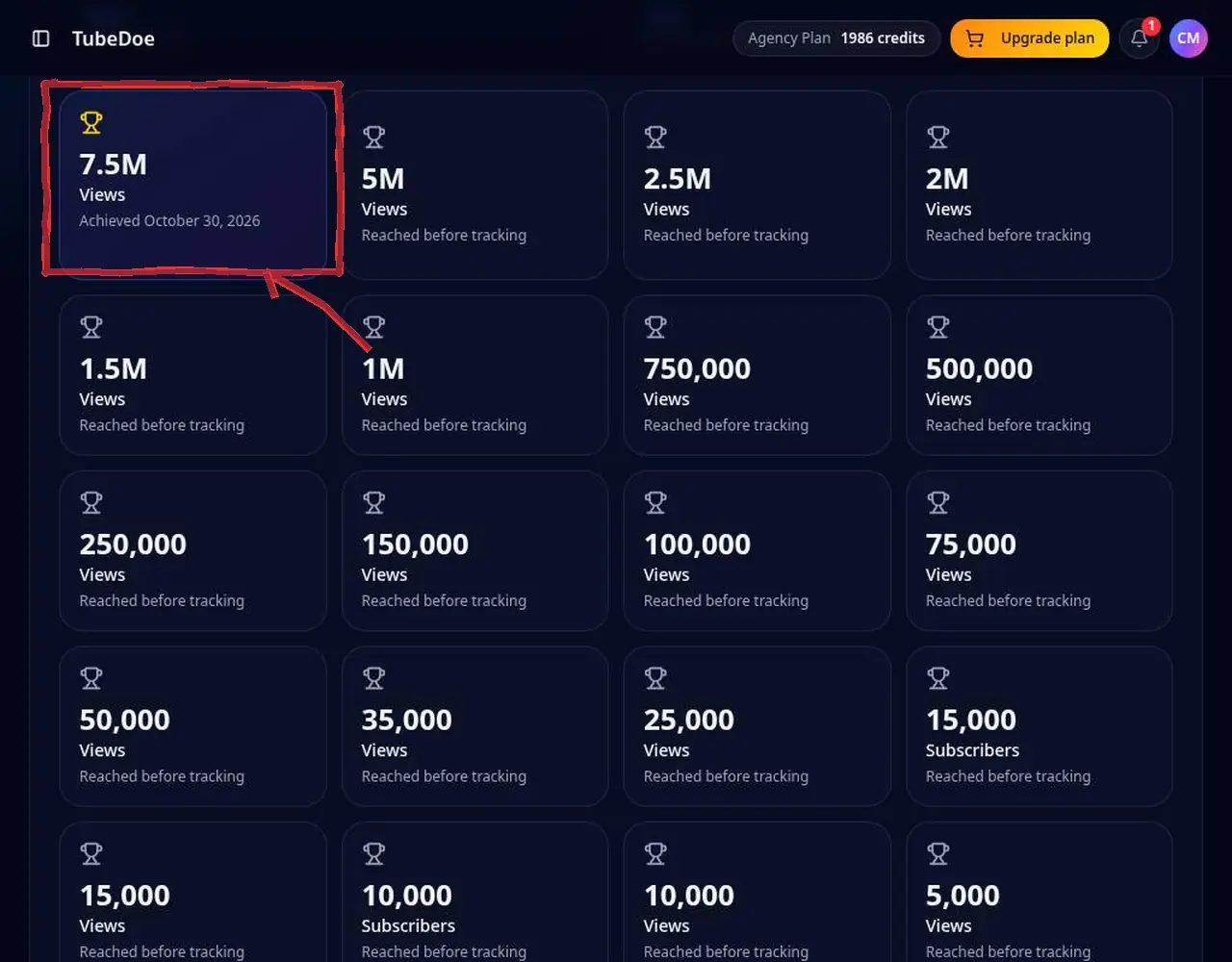 3: Celebrate a new milestone
Step 3 — Celebrate a new milestone 4Download or share the card
In the timeline, download the milestone image or copy the public share link and post it for your subscribers.
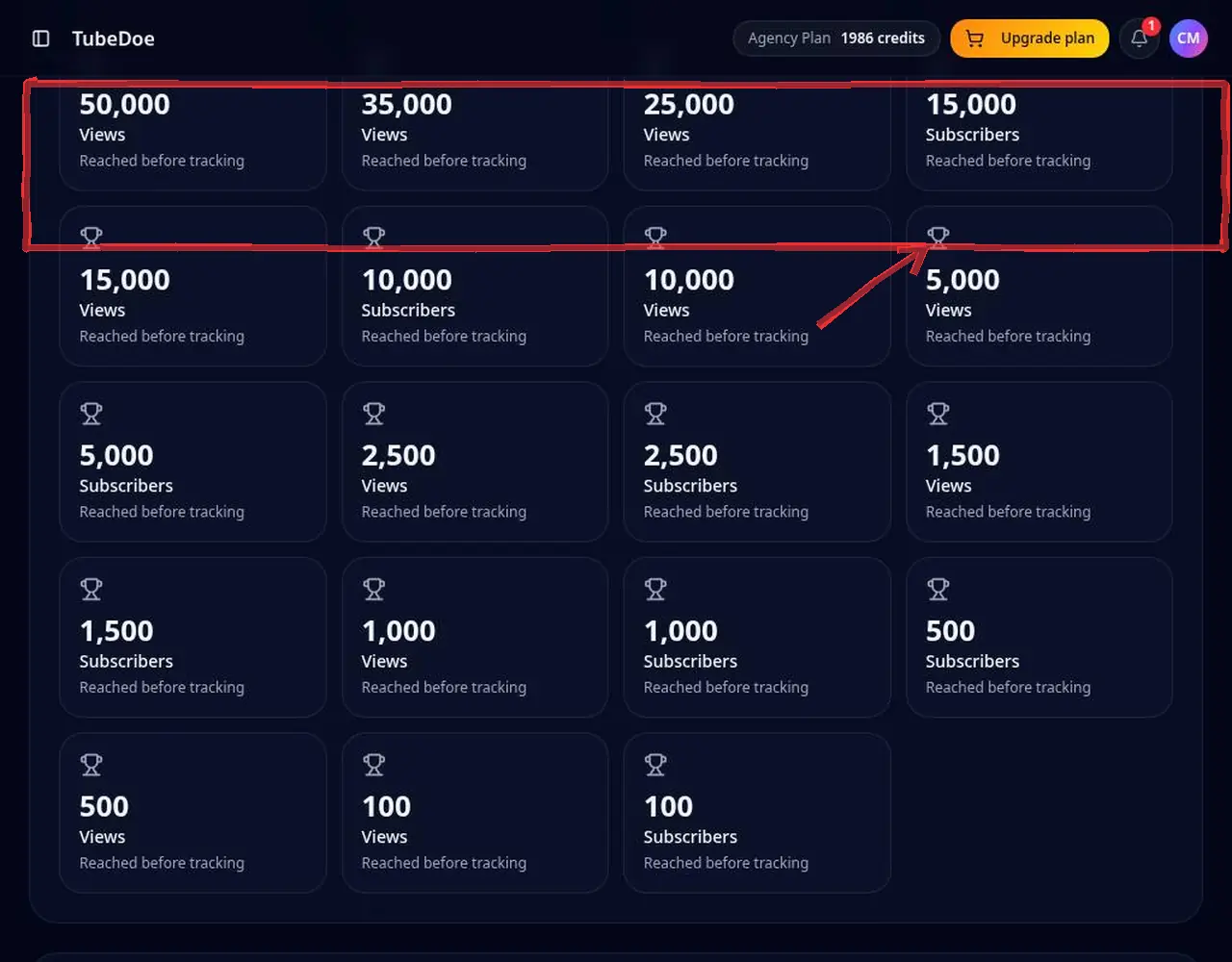 4: Download or share the card
Step 4 — Download or share the card
Pro tips
- Share cards on Instagram Stories and the YouTube Community tab to thank your viewers.
Mistakes to avoid
- Expecting milestones from before tracking started to appear as new — they're recorded as already reached.
YouTube Milestone Tracker FAQ
Which milestones are tracked?
View and subscriber ladders from 100 up to millions, e.g. 1K, 10K, 100K, 1M views.
Is it free?
Yes. Milestone tracking and emails are included on every plan.
Why weren't old milestones emailed?
Milestones passed before tracking started are recorded as already reached, so you never get misleading alerts.
How often are milestones checked?
Once a day automatically, plus whenever you tap Check now.
Does the share link reveal private data?
No. Share pages show only the milestone, date and public channel name and picture.