How to Use the YouTube Description Generator: Step-by-Step Tutorial
Enter your topic and key points; get a complete YouTube description with a search-friendly first two lines, timestamps, links section and hashtags.
1Open the form
Go to the YouTube Description Generator.
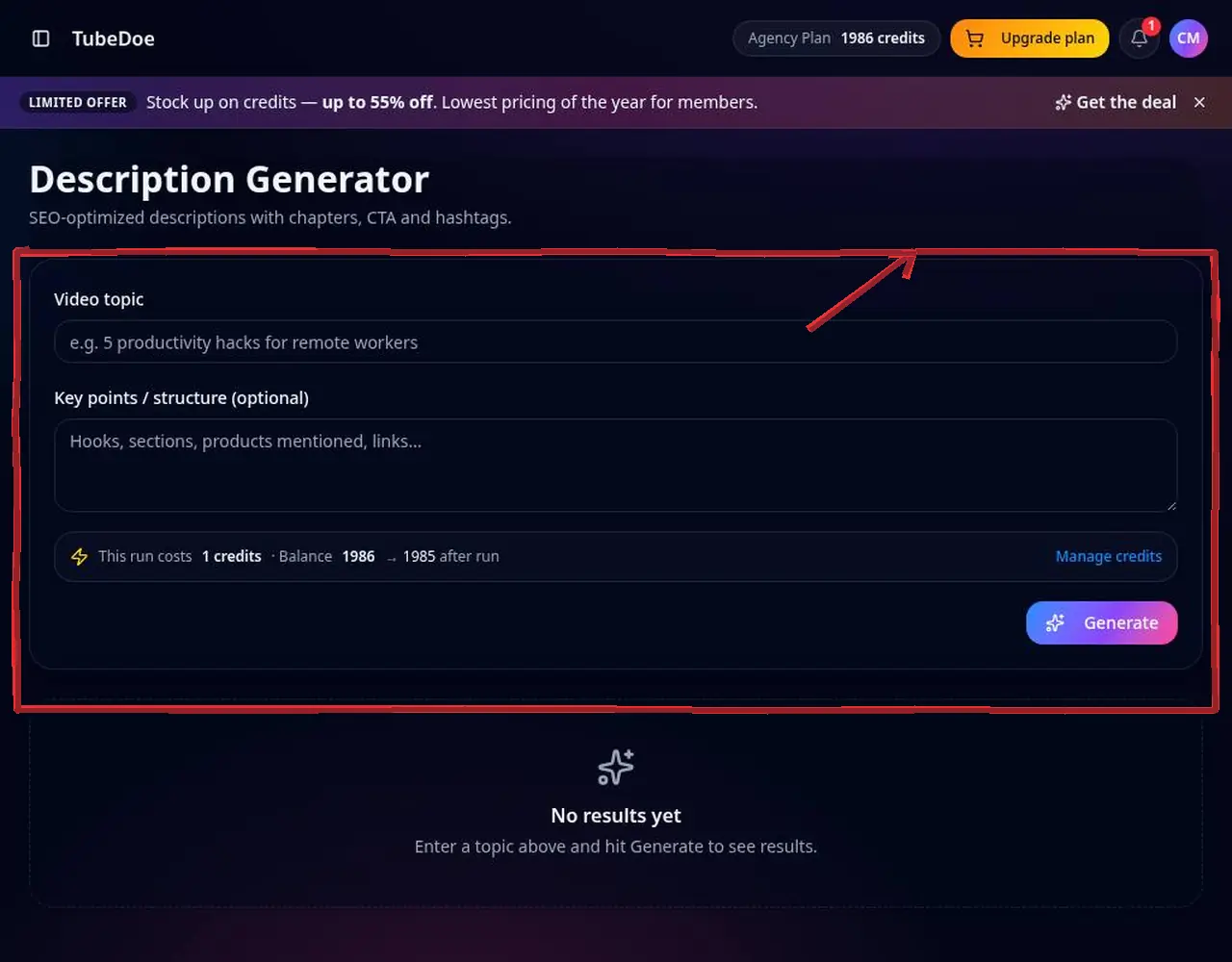 1: Open the form
Step 1 — Open the form 2Enter the topic and key points
Add the topic, the sections of your video, links and products to mention.
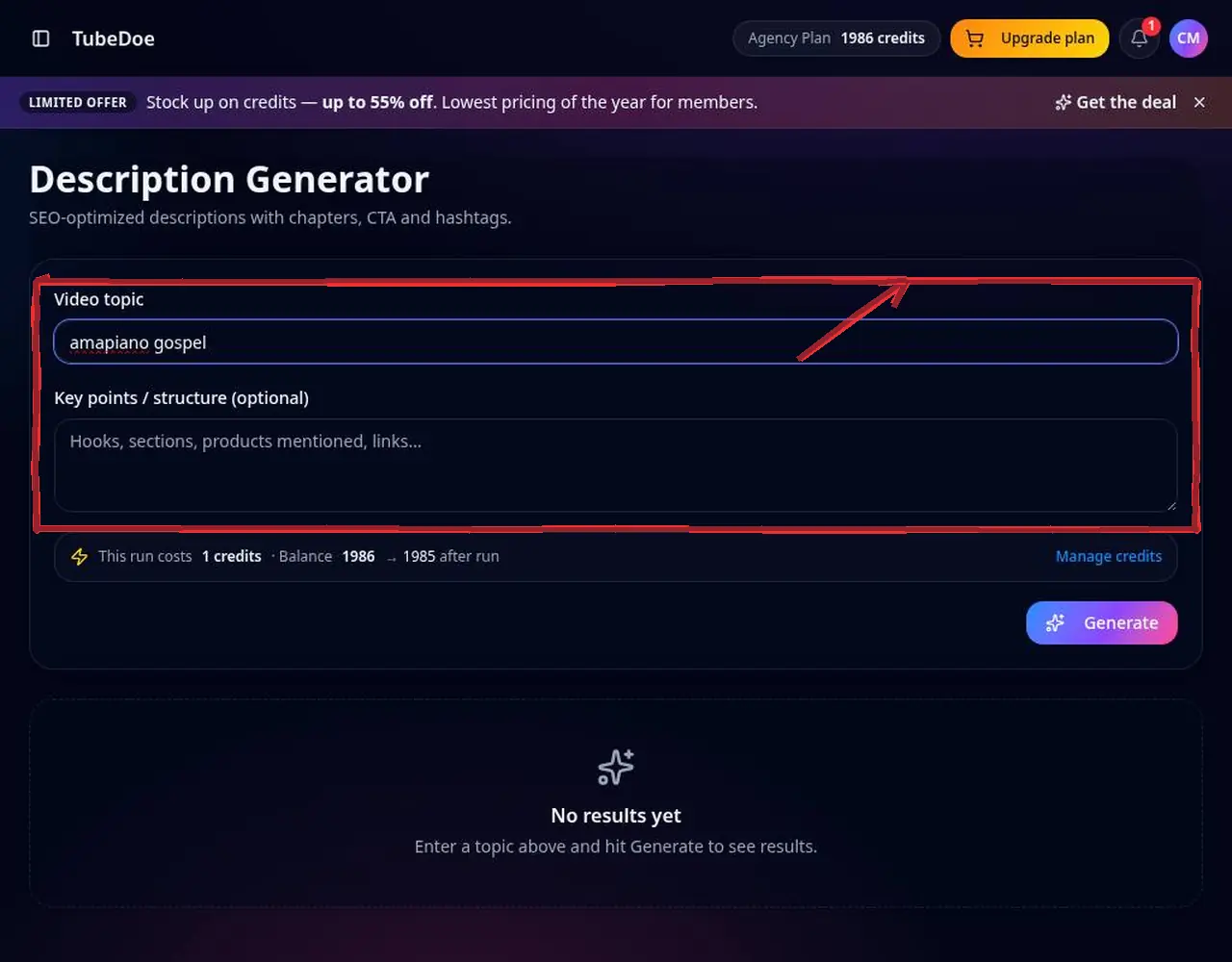 2: Enter the topic and key points
Step 2 — Enter the topic and key points 3Confirm the credit cost and generate
The cost is shown before you generate. The draft includes a keyword-rich opening, chapters, calls to action and hashtags.
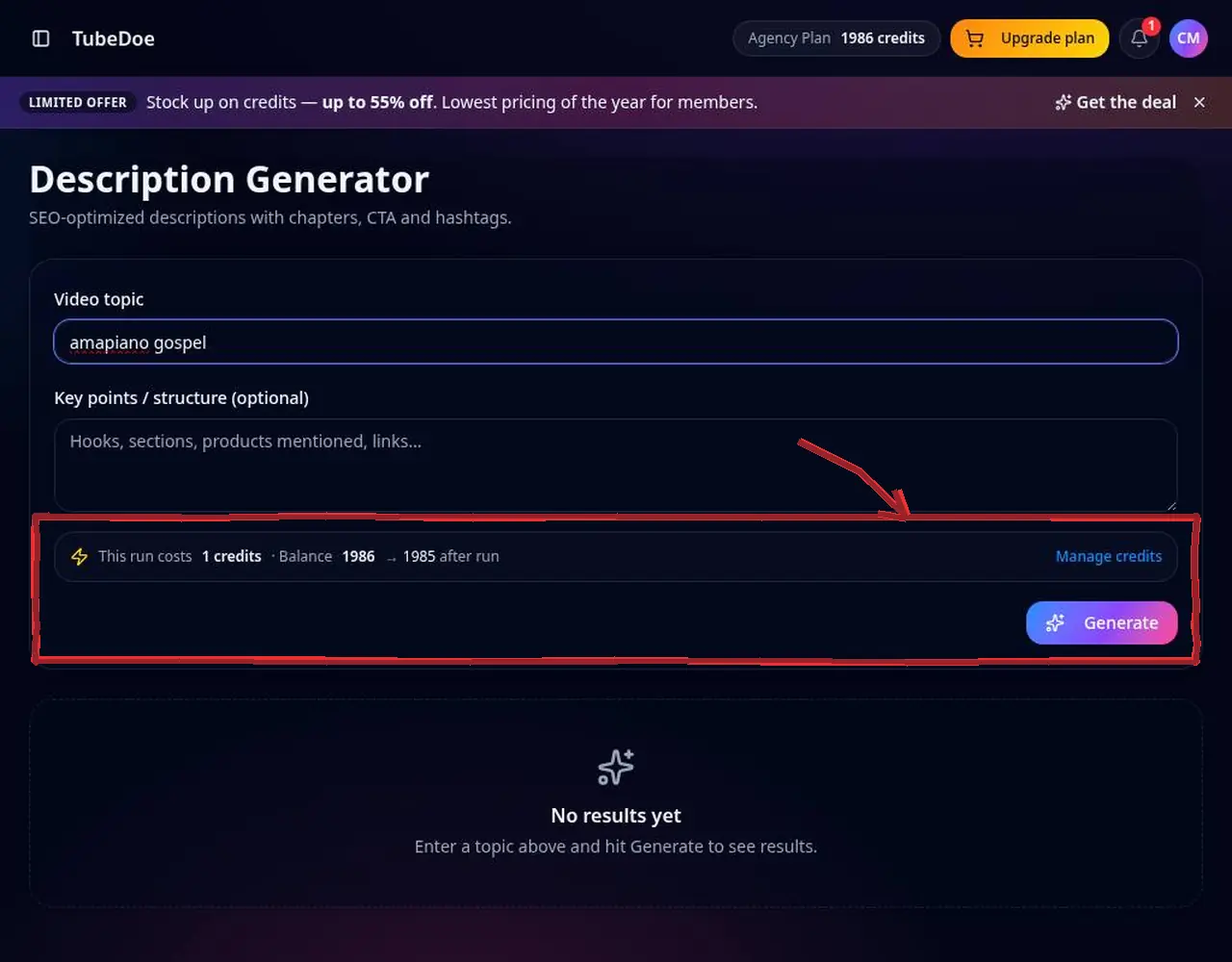 3: Confirm the credit cost and generate
Step 3 — Confirm the credit cost and generate 4Fix the timestamps and paste
Replace sample timestamps with your real ones (the first must be 0:00), then paste into YouTube Studio.
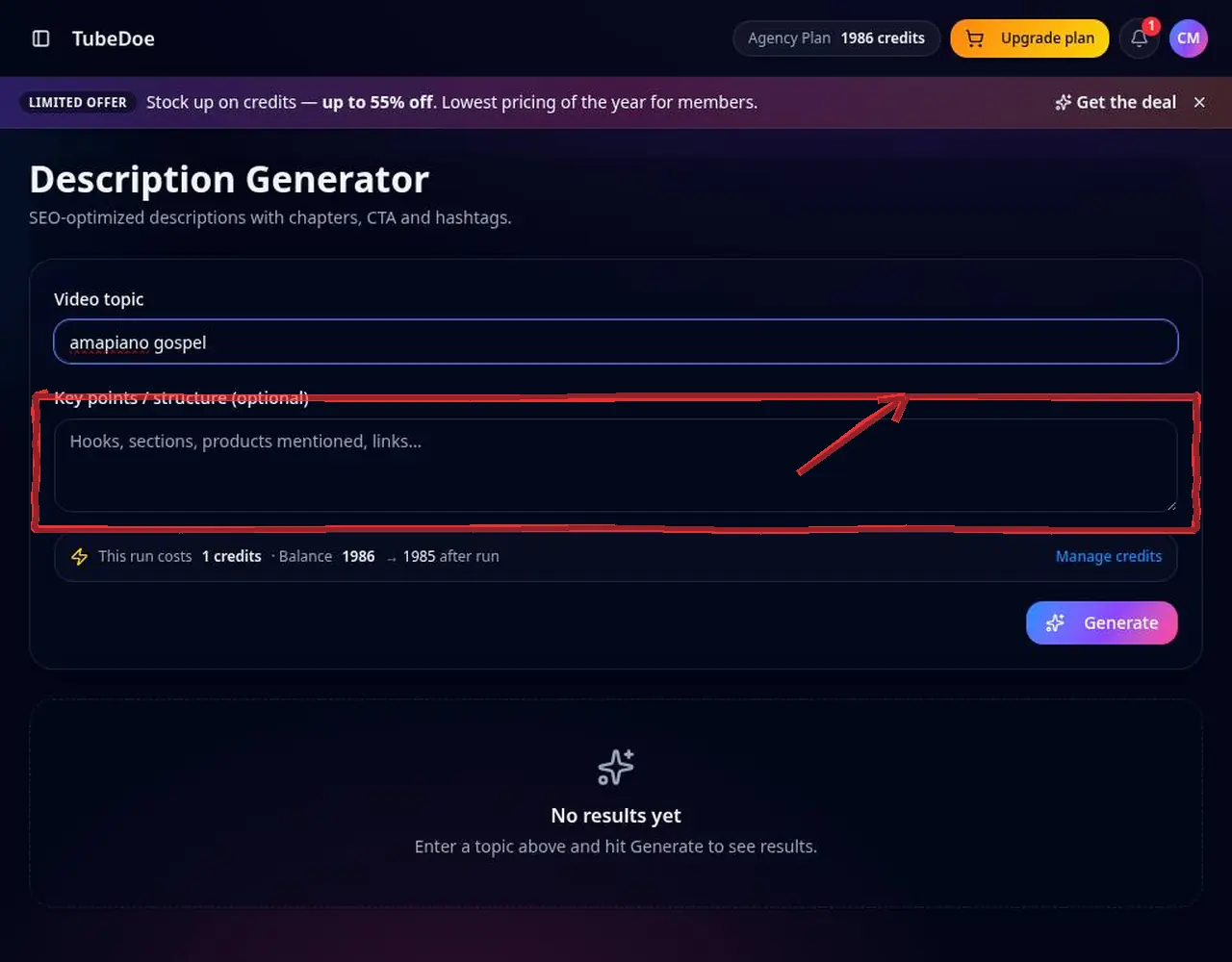 4: Fix the timestamps and paste
Step 4 — Fix the timestamps and paste
Pro tips
- The first two lines show in search — put your keyword and promise there.
Mistakes to avoid
- Leaving placeholder timestamps that don't match your video.
YouTube Description Generator FAQ
How long should a YouTube description be?
At least 200–300 words helps search, with the key info in the first two lines.
Do chapters help SEO?
Chapters can appear in Google and YouTube search as key moments.
Can I extract a competitor's description?
Yes, with the free YouTube Title & Description Extractor.
How do YouTube chapters work?
List at least three timestamps in ascending order starting at 0:00, each at least 10 seconds apart.