How to Use the YouTube Tag & SEO Generator: Step-by-Step Tutorial
Start from a topic, a YouTube URL, lyrics or a script and get a full SEO package: title, description with hashtags and copy-ready tags that fit YouTube's character limit.
1Choose an input mode
Open the YouTube Tag Generator and pick Topic, YouTube URL, Lyrics or Script.
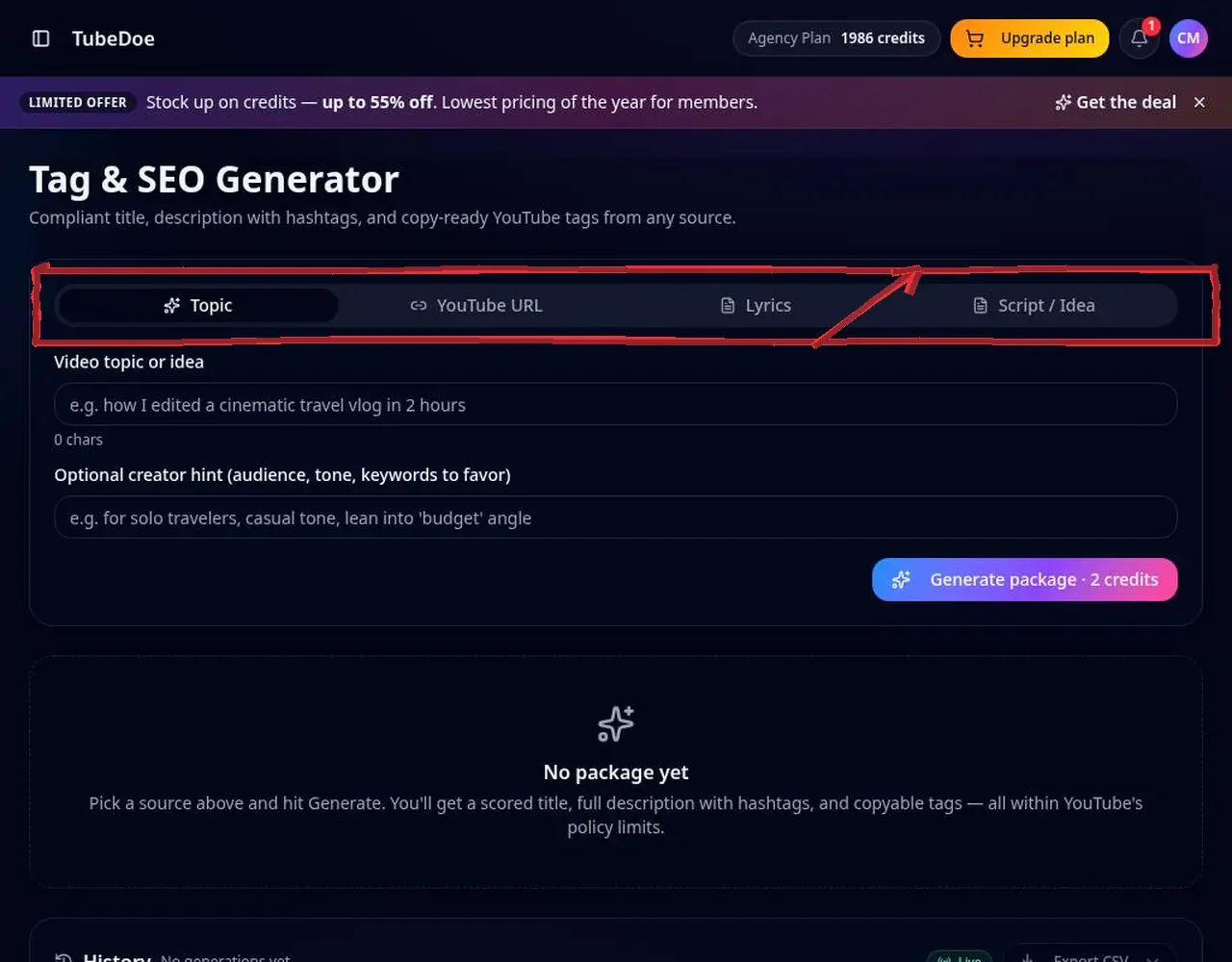 1: Choose an input mode
Step 1 — Choose an input mode 2Enter your content and a hint
Type the topic (e.g. “amapiano gospel”) and optionally the audience, tone or keywords to favour.
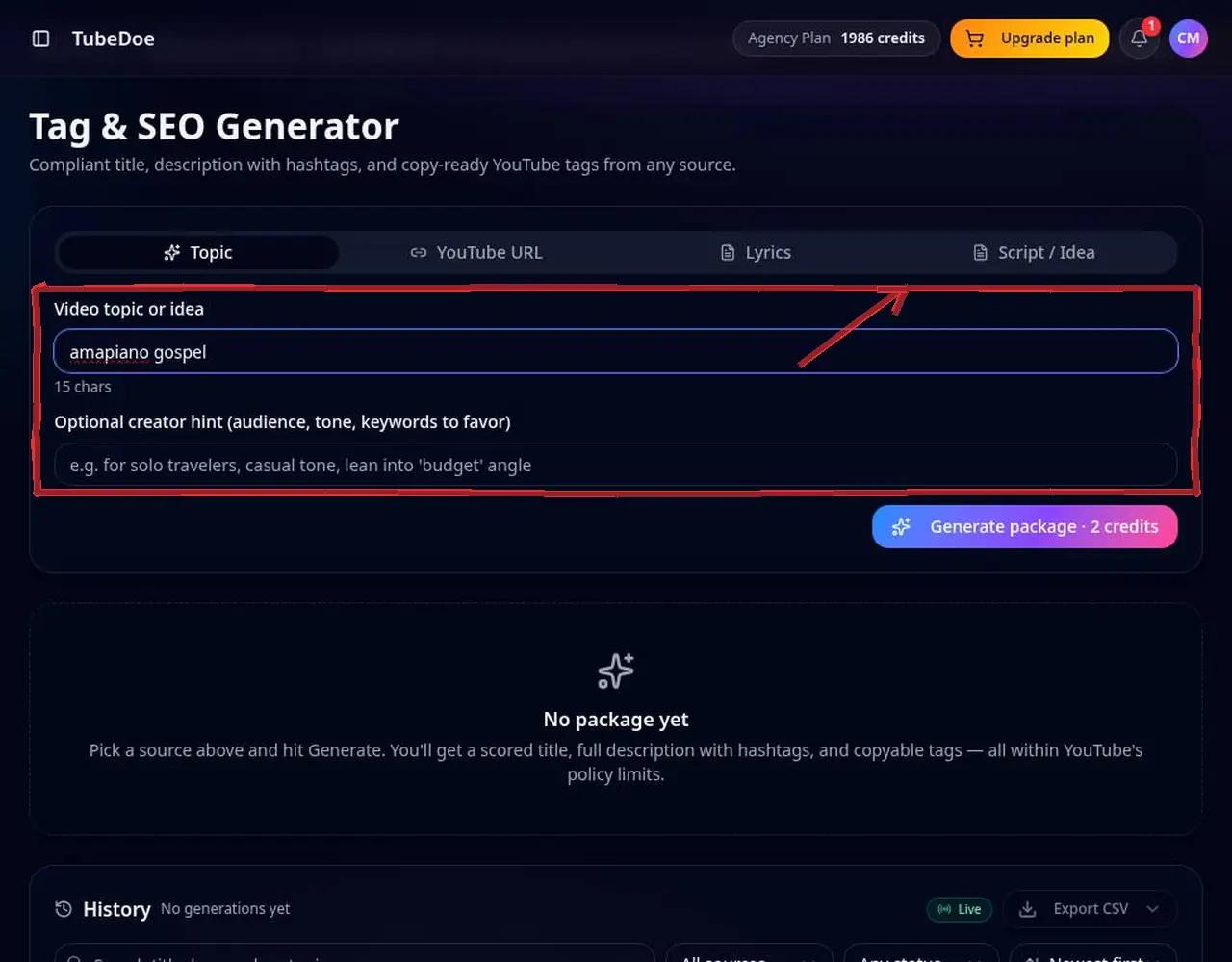 2: Enter your content and a hint
Step 2 — Enter your content and a hint 3Generate the package
You get a title, description, hashtags and tags kept within YouTube's 500-character tag limit.
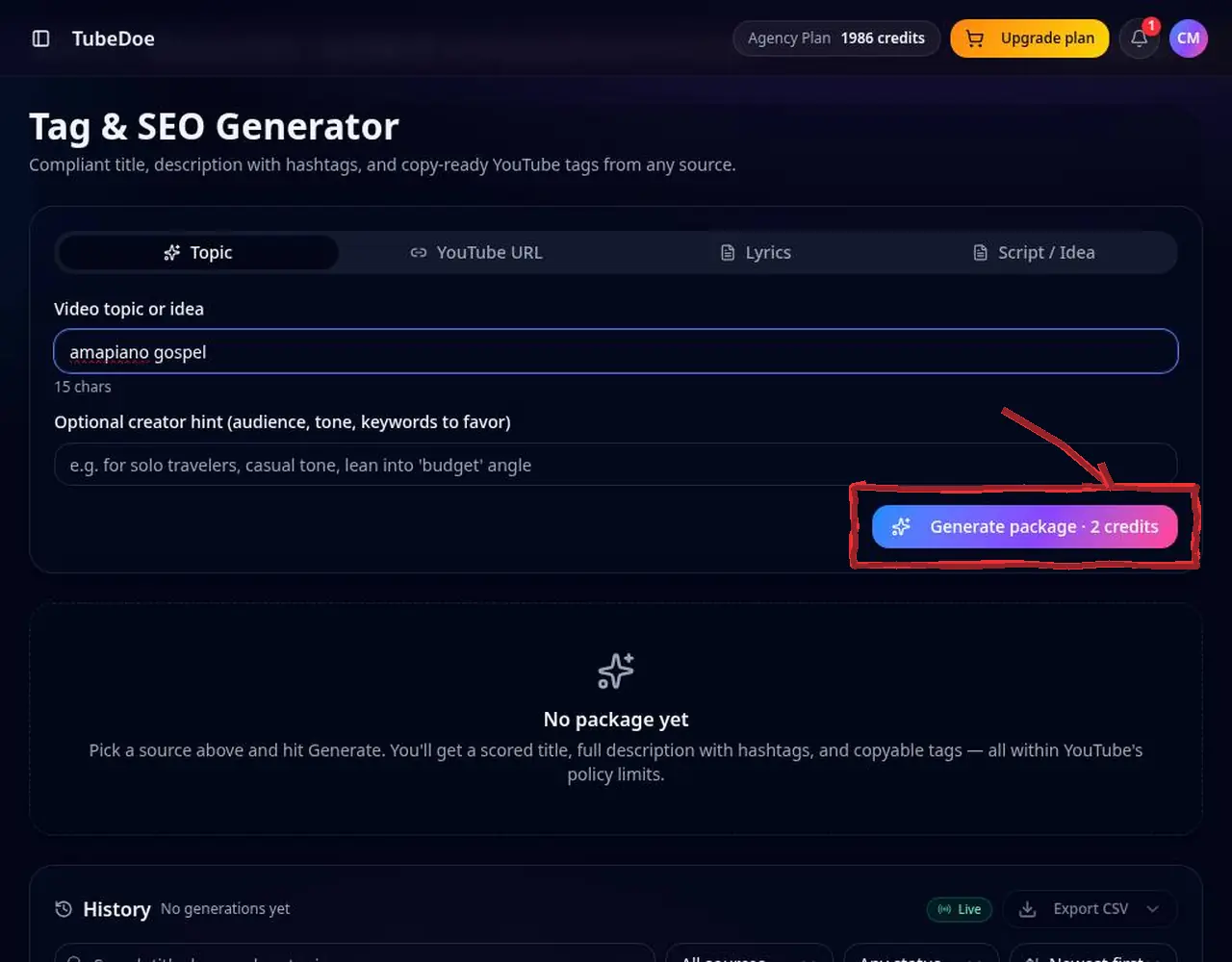 3: Generate the package
Step 3 — Generate the package 4Copy or reuse from history
Every package is saved, searchable and exportable. Copy the tags into YouTube Studio.
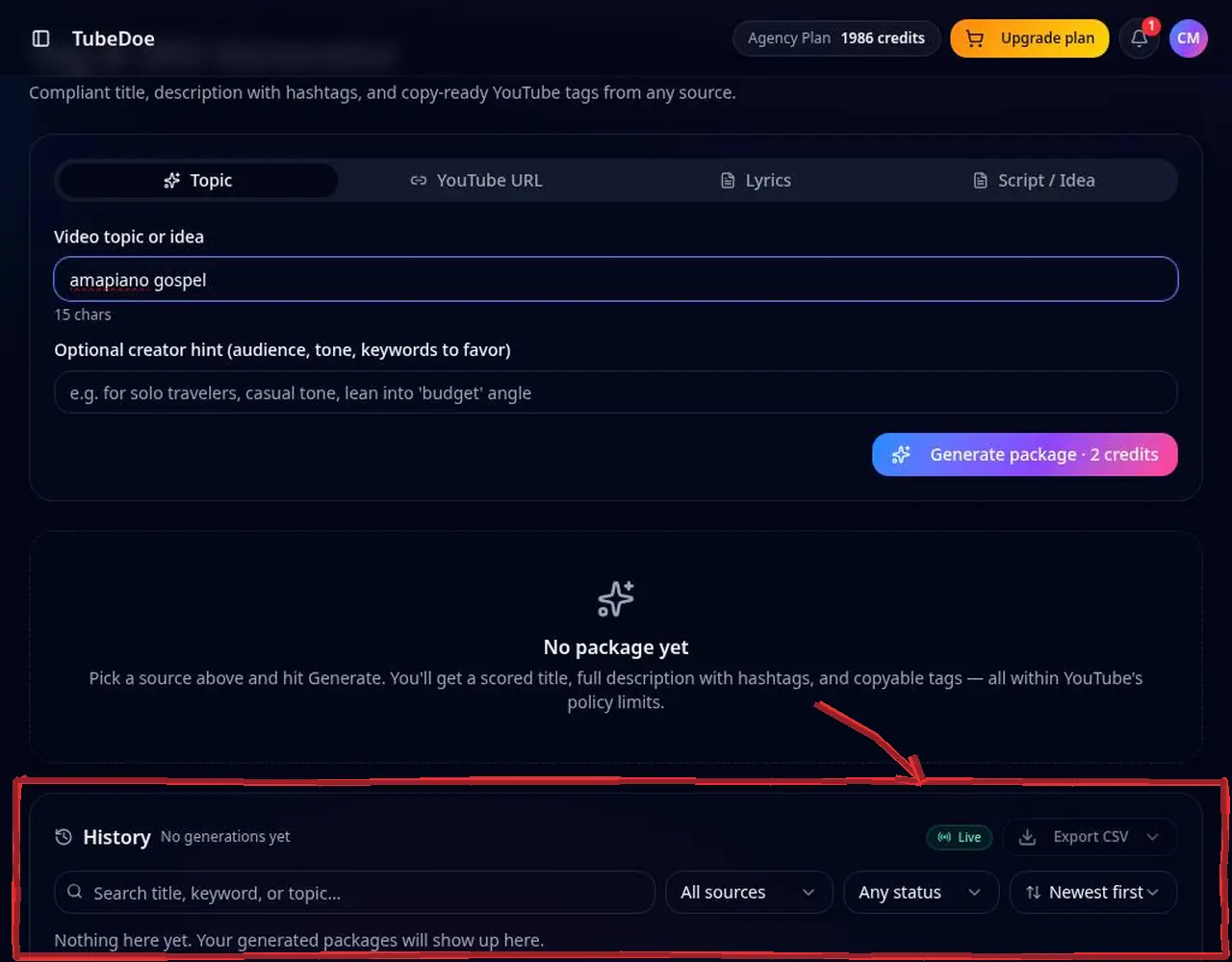 4: Copy or reuse from history
Step 4 — Copy or reuse from history
Pro tips
- Mix one exact keyword, a few variations and common misspellings.
Mistakes to avoid
- Stuffing unrelated trending tags — it can count as misleading metadata.
YouTube Tag & SEO Generator FAQ
Do YouTube tags still matter?
Tags are a minor signal, most useful for misspellings and related terms; titles and descriptions matter more.
How many tags should I use?
Focus on 5–15 relevant tags within 500 characters.
Can I see a video's tags?
Yes, with the free YouTube Tag Extractor.
Where do I add tags on YouTube?
In YouTube Studio, open the video's details, click Show more and paste into the Tags field.