How to Use the YouTube Title Generator: Step-by-Step Tutorial
Give a topic and a target keyword; get titles written from your channel's real uploads and checked against a rule checker for length, keyword position and clickbait.
1Select channel and format
Open the YouTube Title Generator and pick your channel and long-form or Shorts.
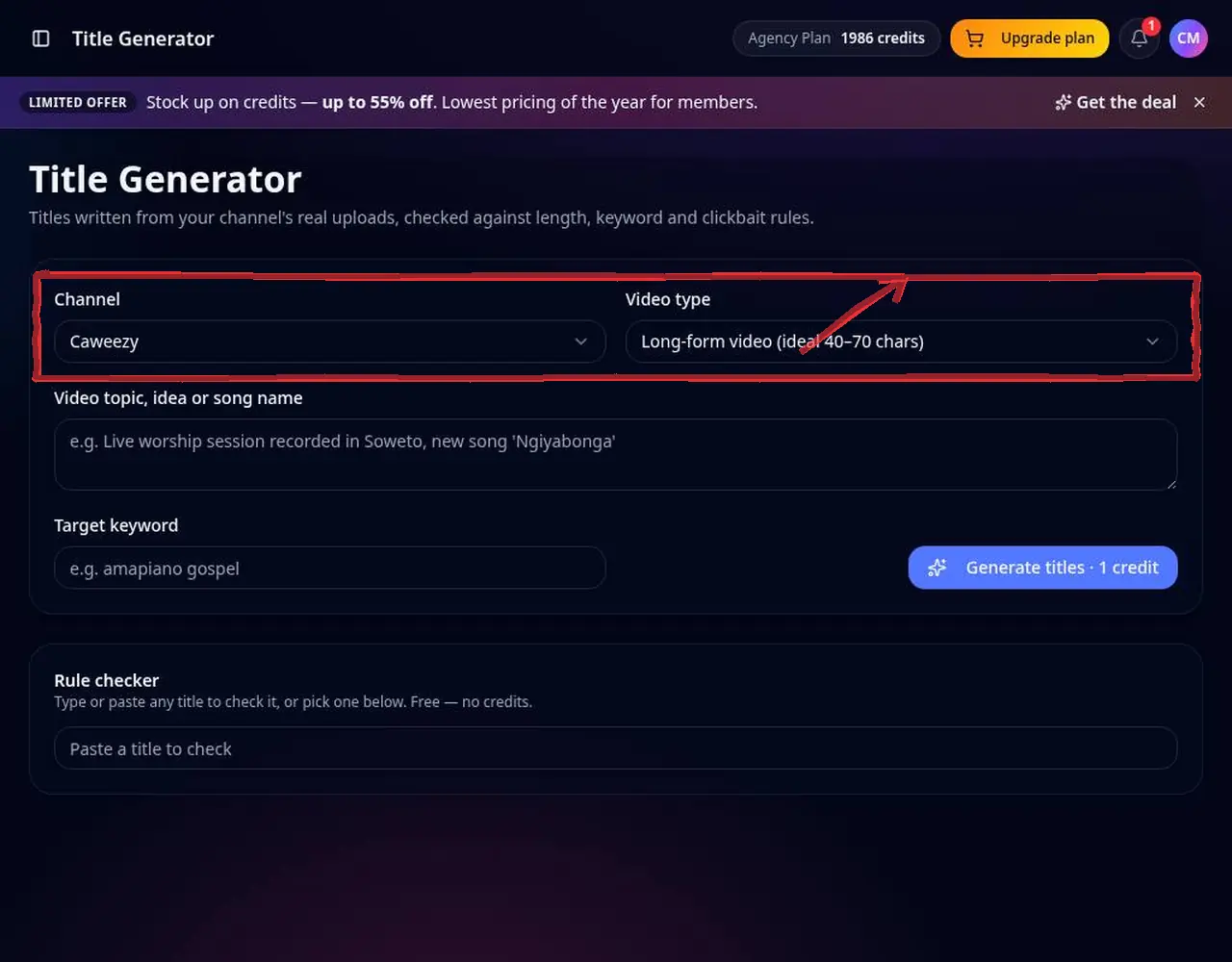 1: Select channel and format
Step 1 — Select channel and format 2Enter the topic and keyword
Describe the video and add a target keyword from YouTube Keyword Research.
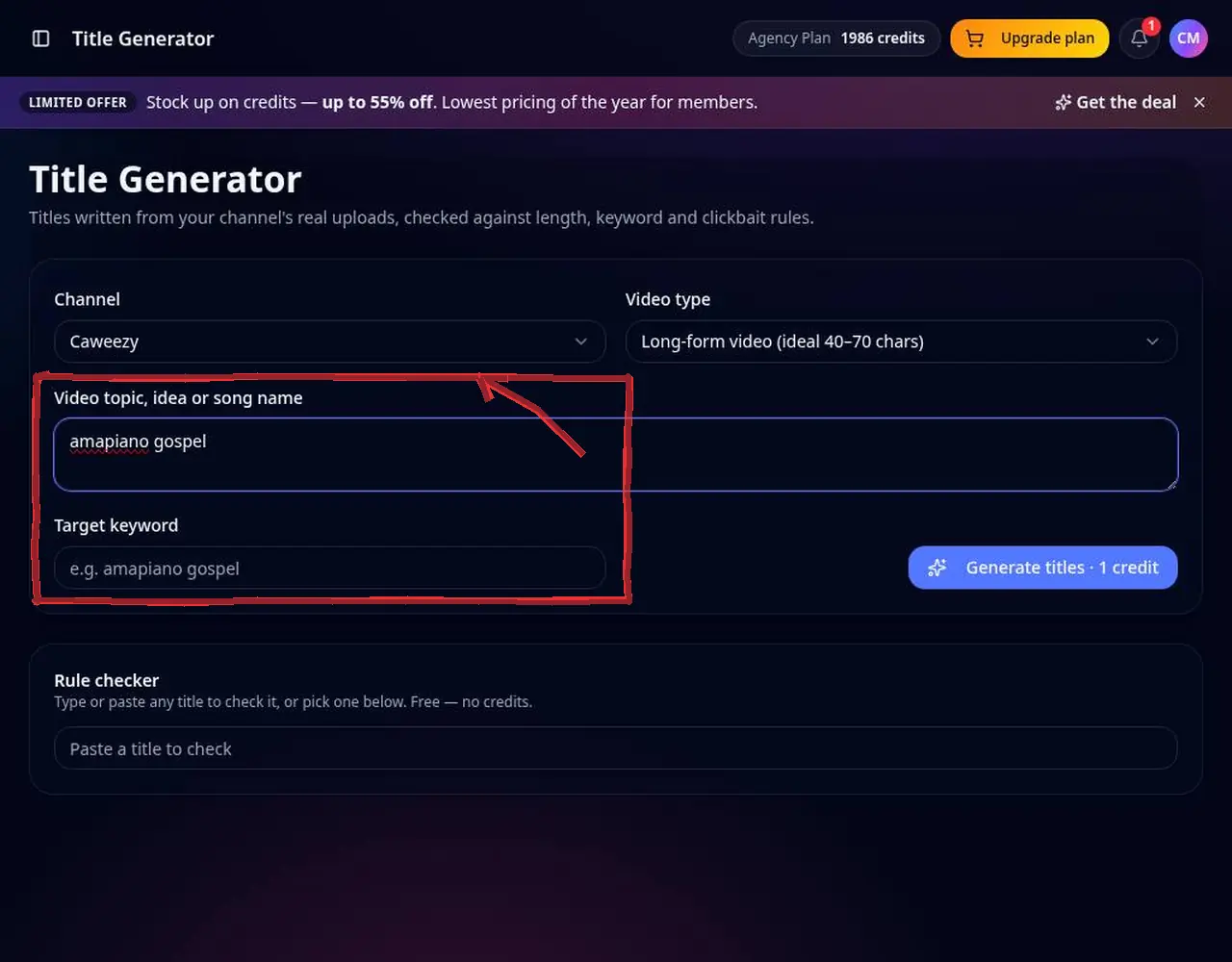 2: Enter the topic and keyword
Step 2 — Enter the topic and keyword 3Generate titles
Each title gets a score and shows the rules it passes or fails.
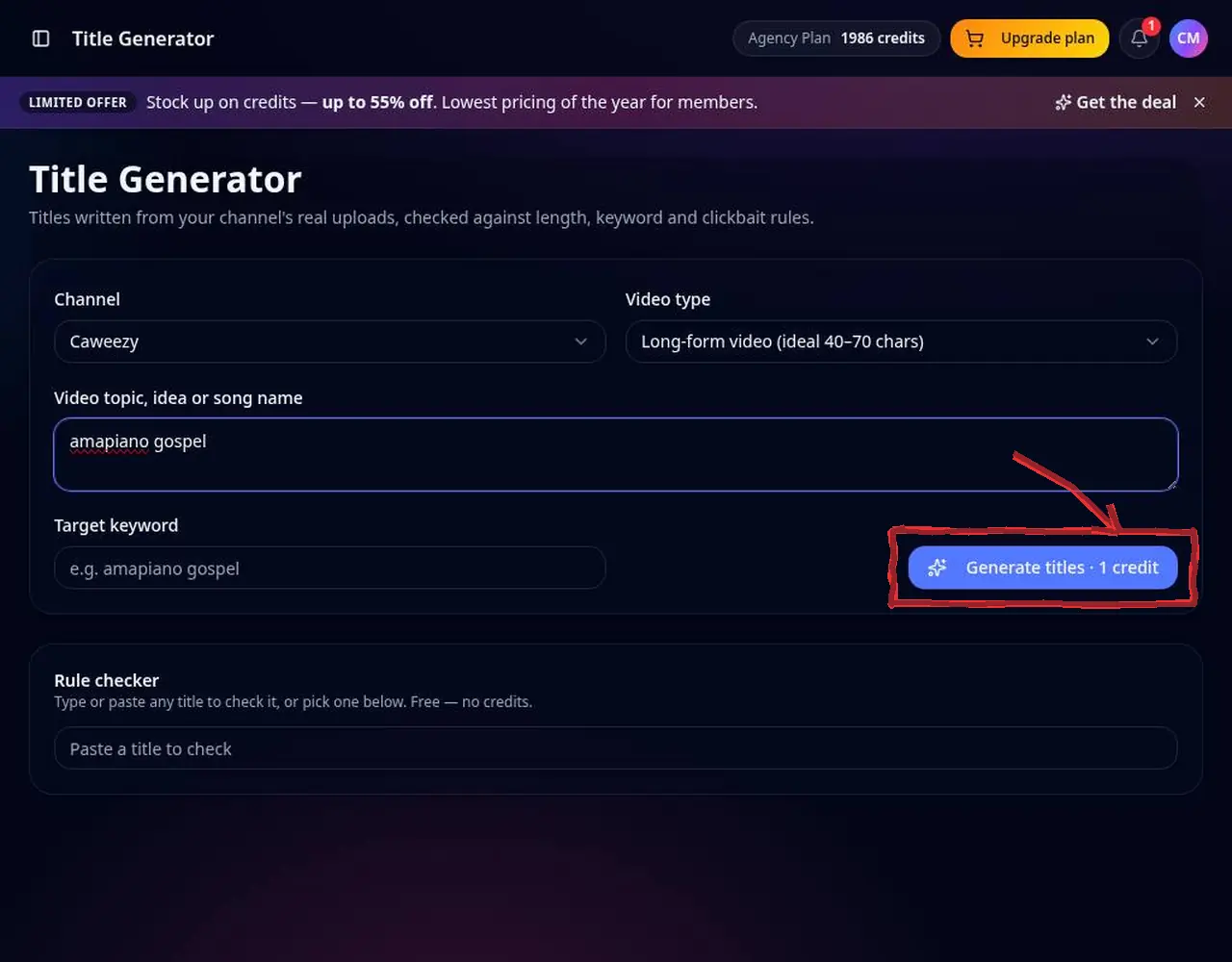 3: Generate titles
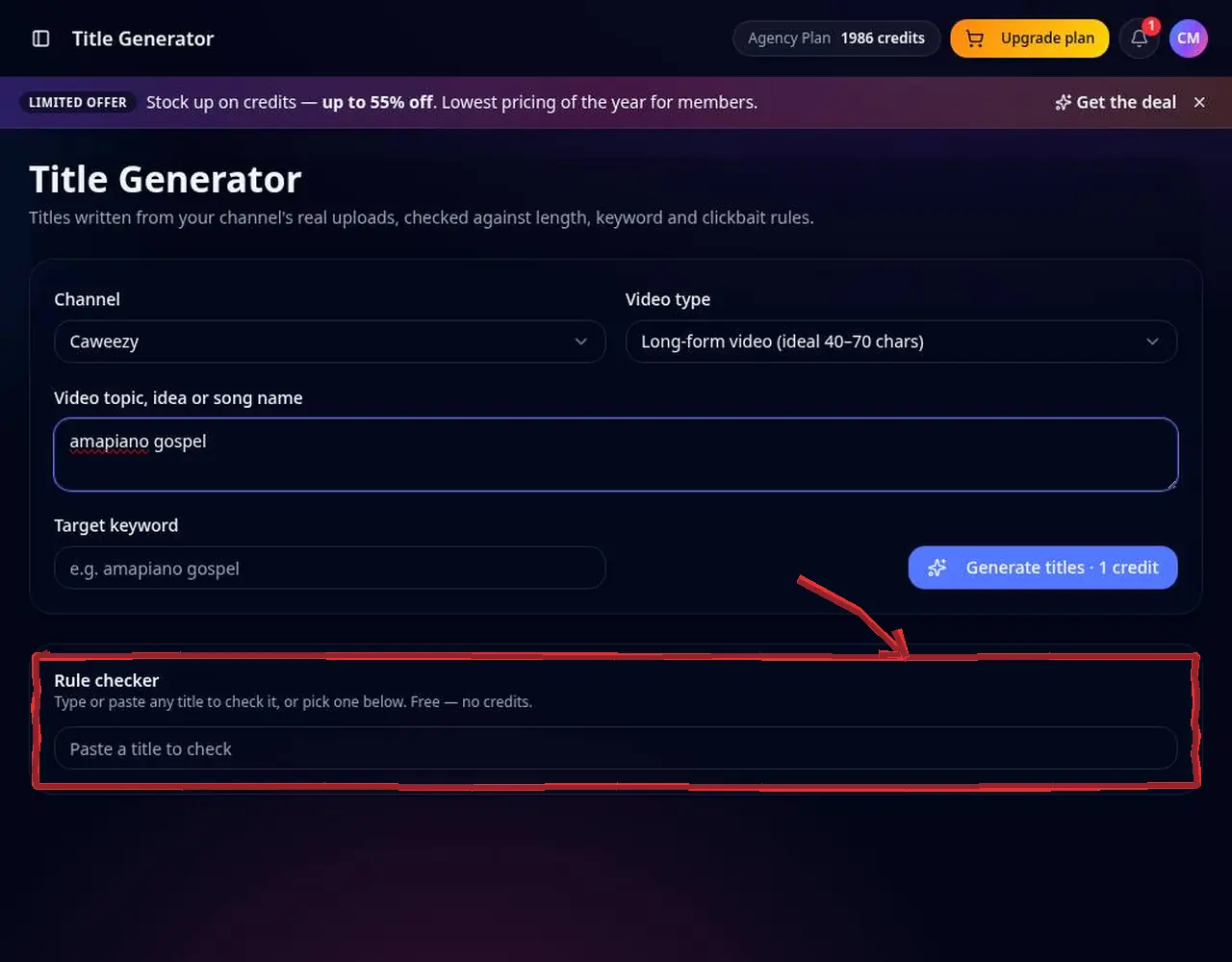
Step 3 — Generate titles 4Check any title with the rule checker
Paste your own title into the rule checker for a free score.
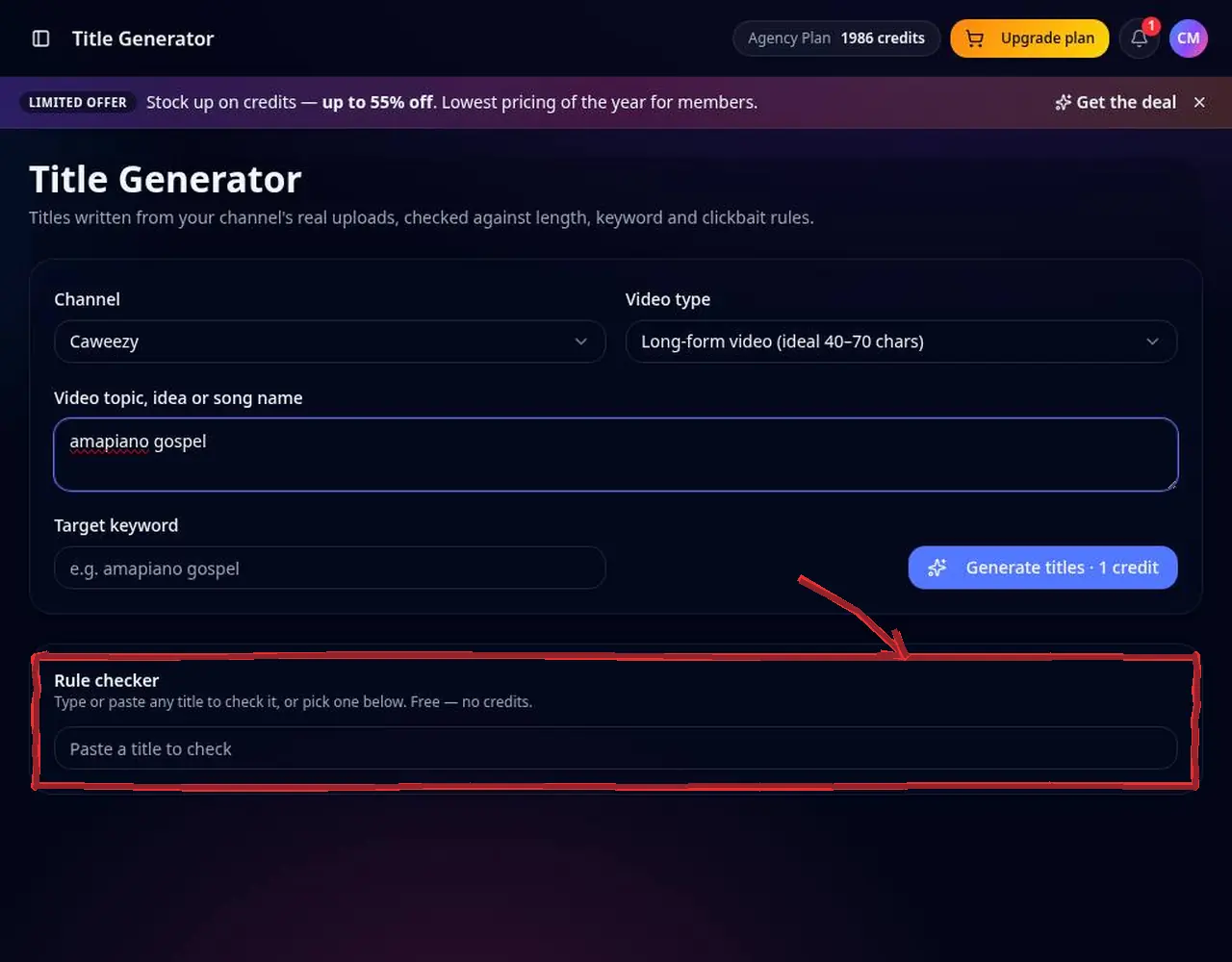 4: Check any title with the rule checker
Step 4 — Check any title with the rule checker 5Copy the winner
Copy the best title into YouTube Studio. Titles also save into your audit report's SEO tab.
 5: Copy the winner
Step 5 — Copy the winner
Pro tips
- Aim for roughly 40–70 characters with the keyword near the start.
Mistakes to avoid
- Clickbait that the video doesn't deliver — it hurts retention.
YouTube Title Generator FAQ
How long should a YouTube title be?
Aim for roughly 40–70 characters with the main keyword near the start.
Can I check my own title?
Yes, paste it into the rule checker for a free score.
Does it work in other languages?
Yes, write your topic in your language.
Can I see competitors' titles?
Yes, with the free YouTube Title & Description Extractor.