How to Use the YouTube Keyword Research: Step-by-Step Tutorial
Type a topic and see real Google search volume for your market alongside YouTube competition signals, so you pick video topics with demand and a chance to rank.
1Choose your market
Open YouTube Keyword Research and select the country your viewers are in.
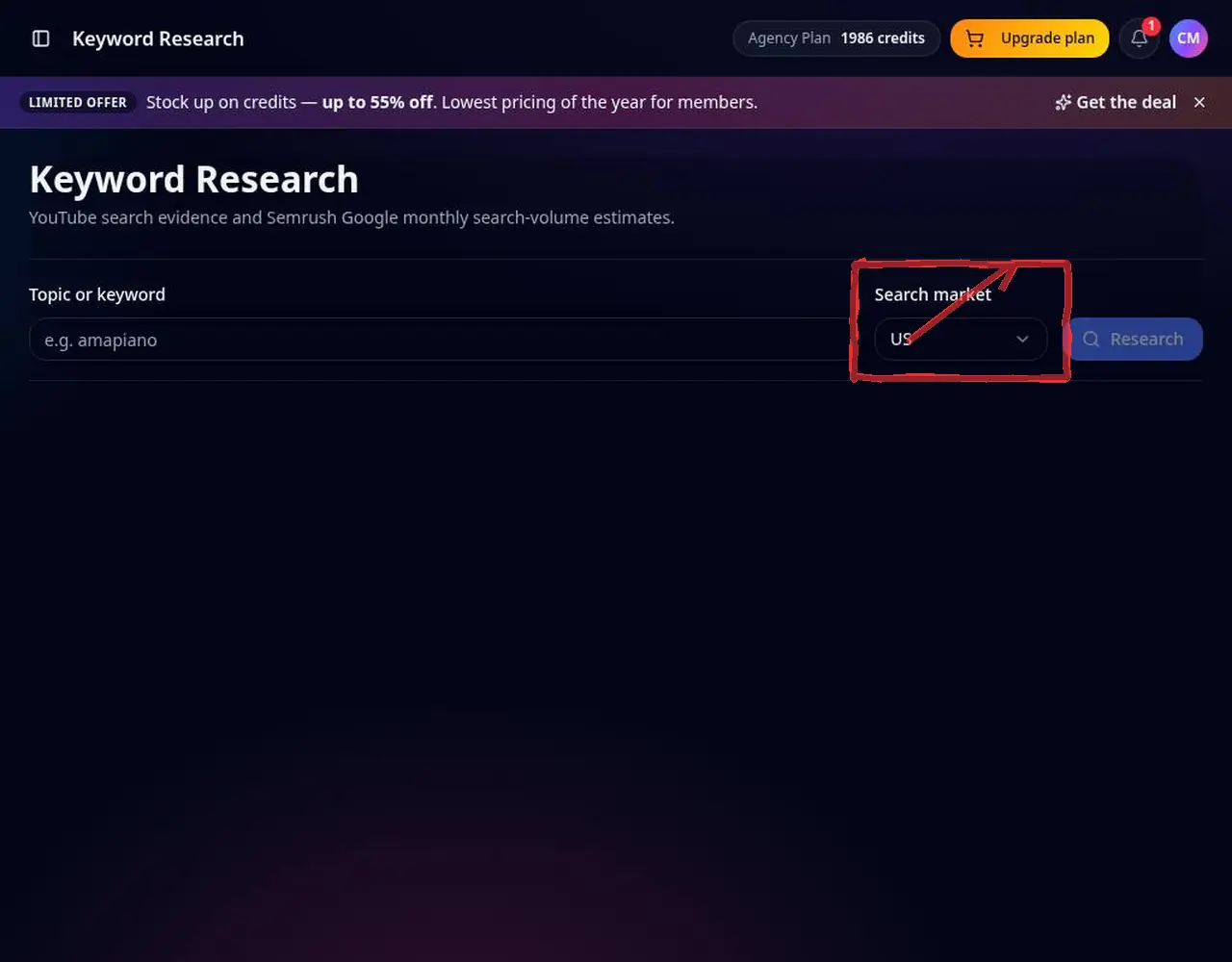 1: Choose your market
Step 1 — Choose your market 2Enter a topic
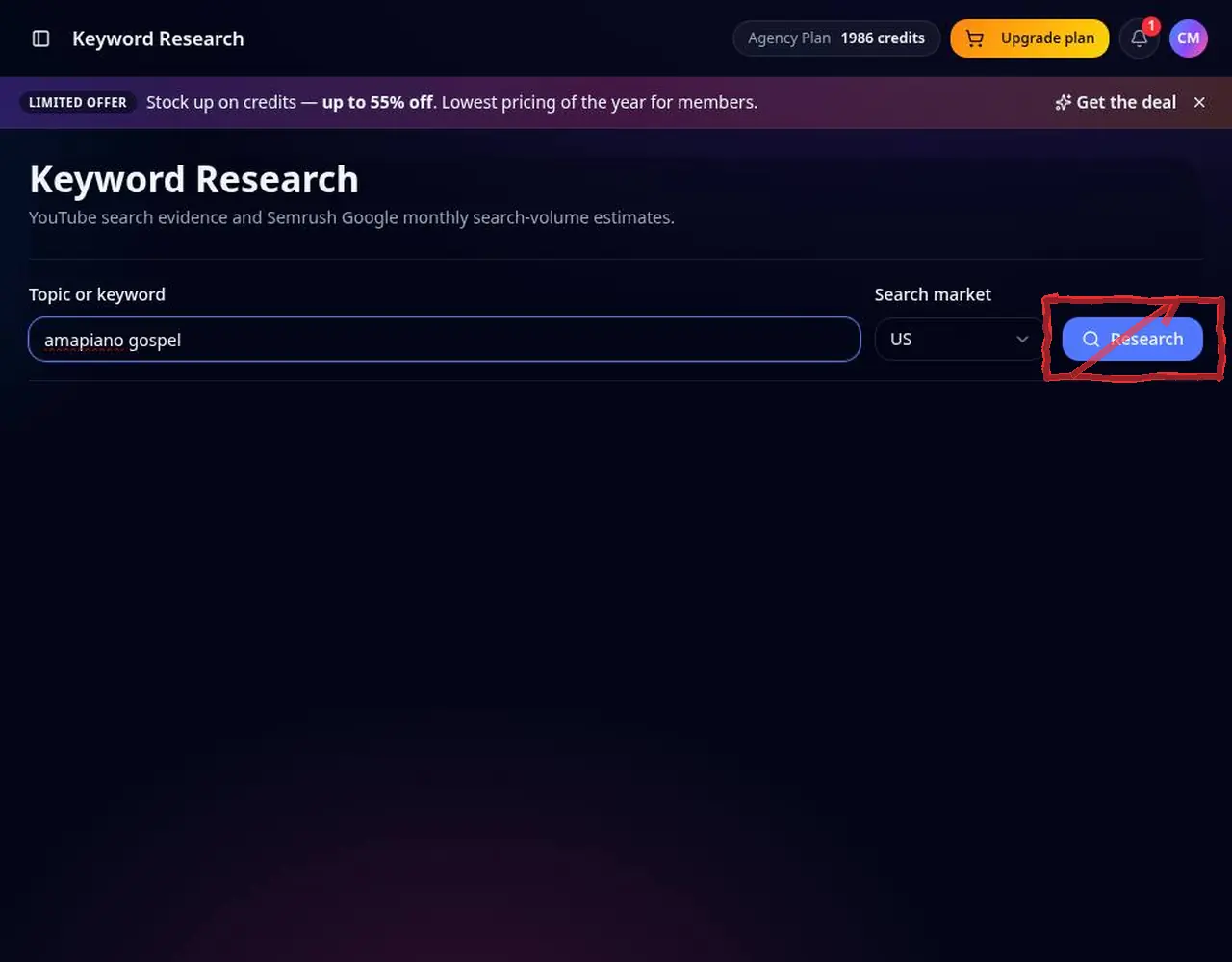
Type a topic like “amapiano gospel” and search.
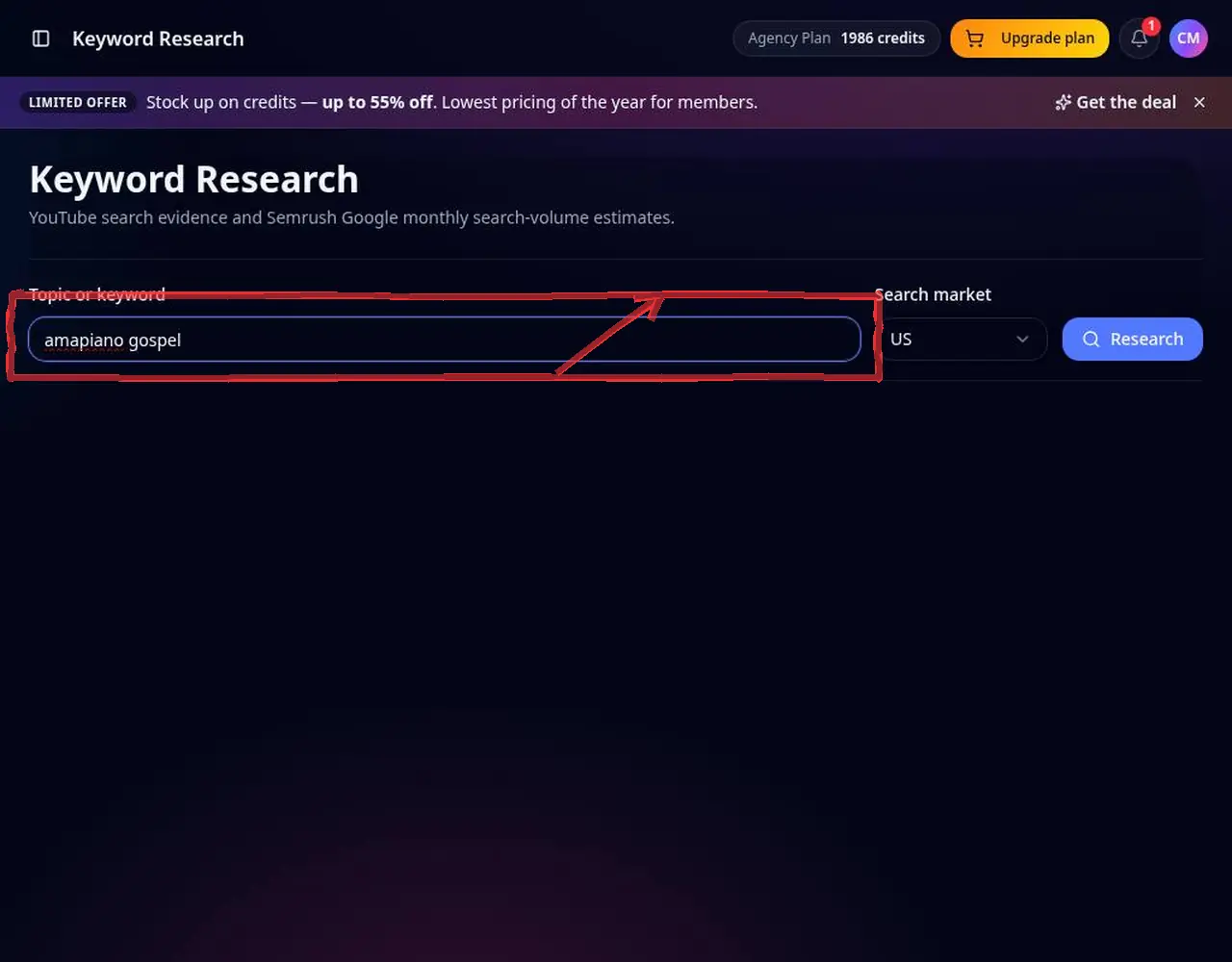 2: Enter a topic
Step 2 — Enter a topic 3Read volume and competition
Monthly volume comes from Google search data for that country and is labelled as such; YouTube competition signals are shown separately.
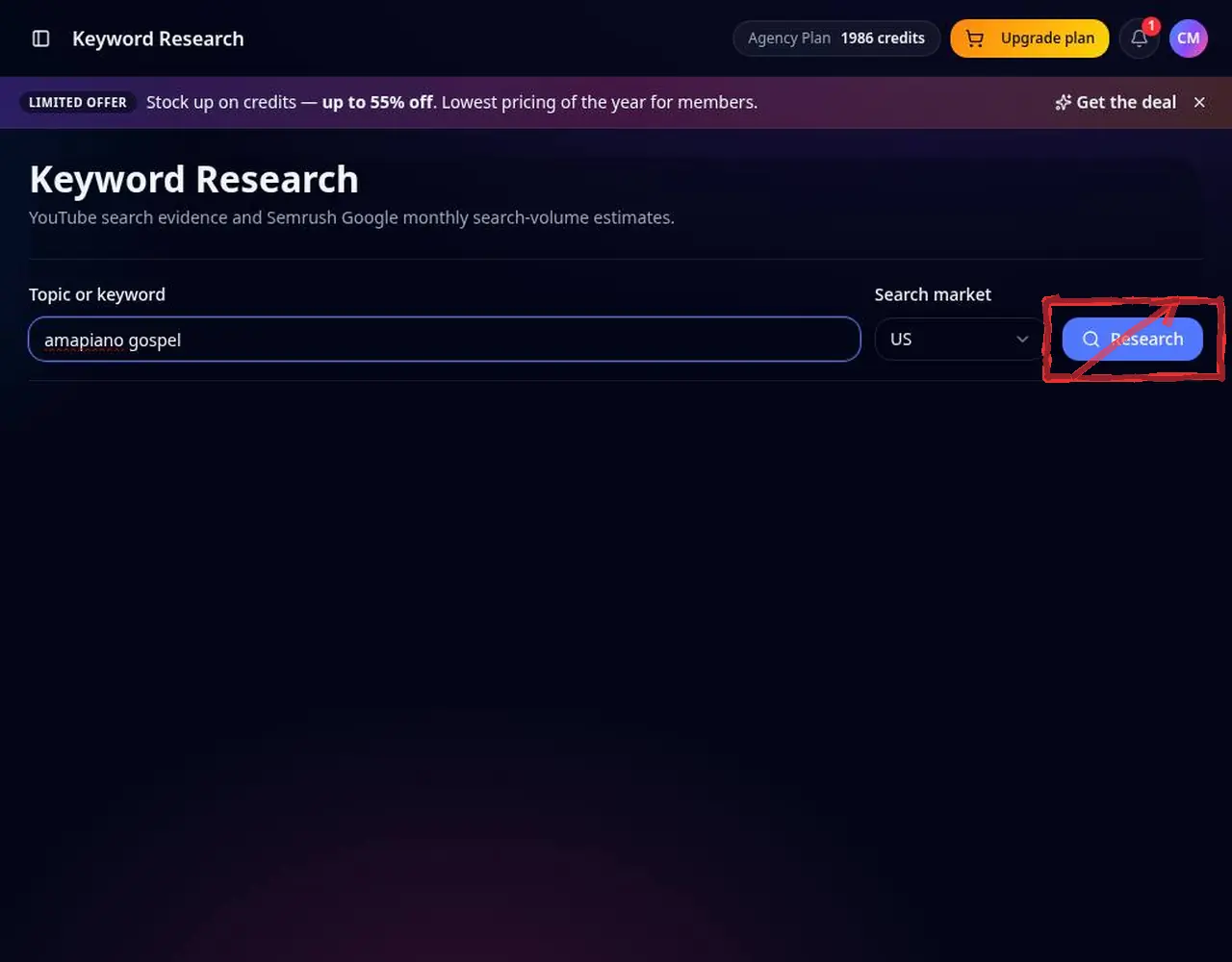 3: Read volume and competition
Step 3 — Read volume and competition 4Pick a keyword
Choose a term with demand and manageable competition. Questions make great video titles.
 4: Pick a keyword
Step 4 — Pick a keyword 5Use it and track it
Send it to the YouTube Title Generator and add it to the YouTube Rank Tracker.
 5: Use it and track it
Step 5 — Use it and track it
Pro tips
- Put the keyword early in your title, in the first two lines of the description and in tags.
Mistakes to avoid
- Treating Google volume as exact YouTube searches — use it as a demand signal.
YouTube Keyword Research FAQ
Is this YouTube search volume?
Volume comes from Google search data per country; YouTube signals are shown separately and labelled.
Which countries are supported?
Major markets including the US, UK, Canada, Australia, India, Nigeria and South Africa.
How do I use the keywords?
Put the main keyword early in your title, in the first lines of the description and in tags.
Why is volume different per country?
Search demand varies by market, so volume is fetched and cached per country.