How to Use the YouTube Script Writer: Step-by-Step Tutorial
Describe your video idea, tone and length and get a full YouTube script: a hook for the first seconds, structured sections that keep viewers watching and a closing CTA.
Time: 3 minutes
Cost: Uses credits — the cost is shown before writing
You need: A free TubeDoe account, A video idea
1Open the Script Writer
Go to the YouTube Script Writer.
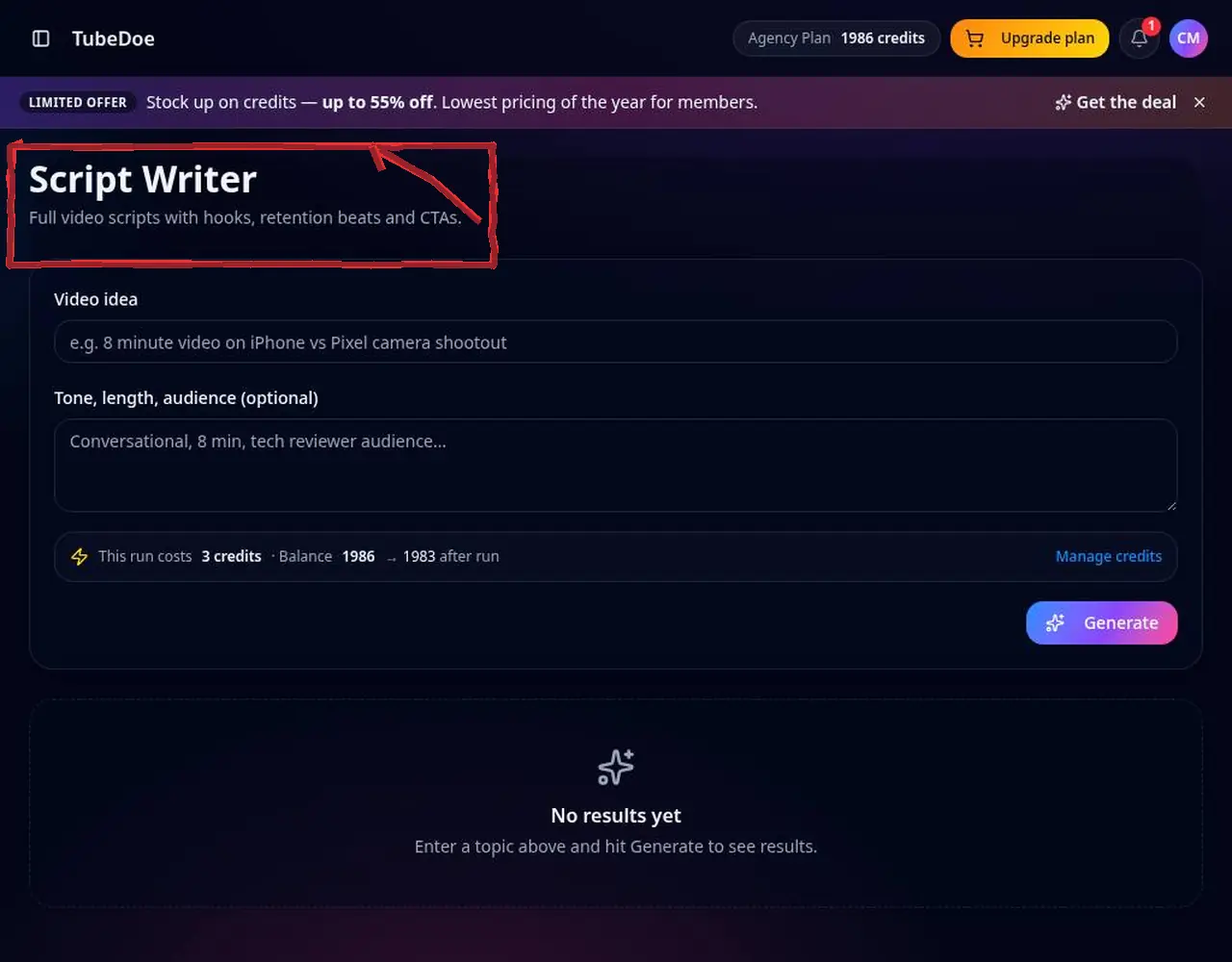 1: Open the Script Writer
Step 1 — Open the Script Writer 2Describe your idea
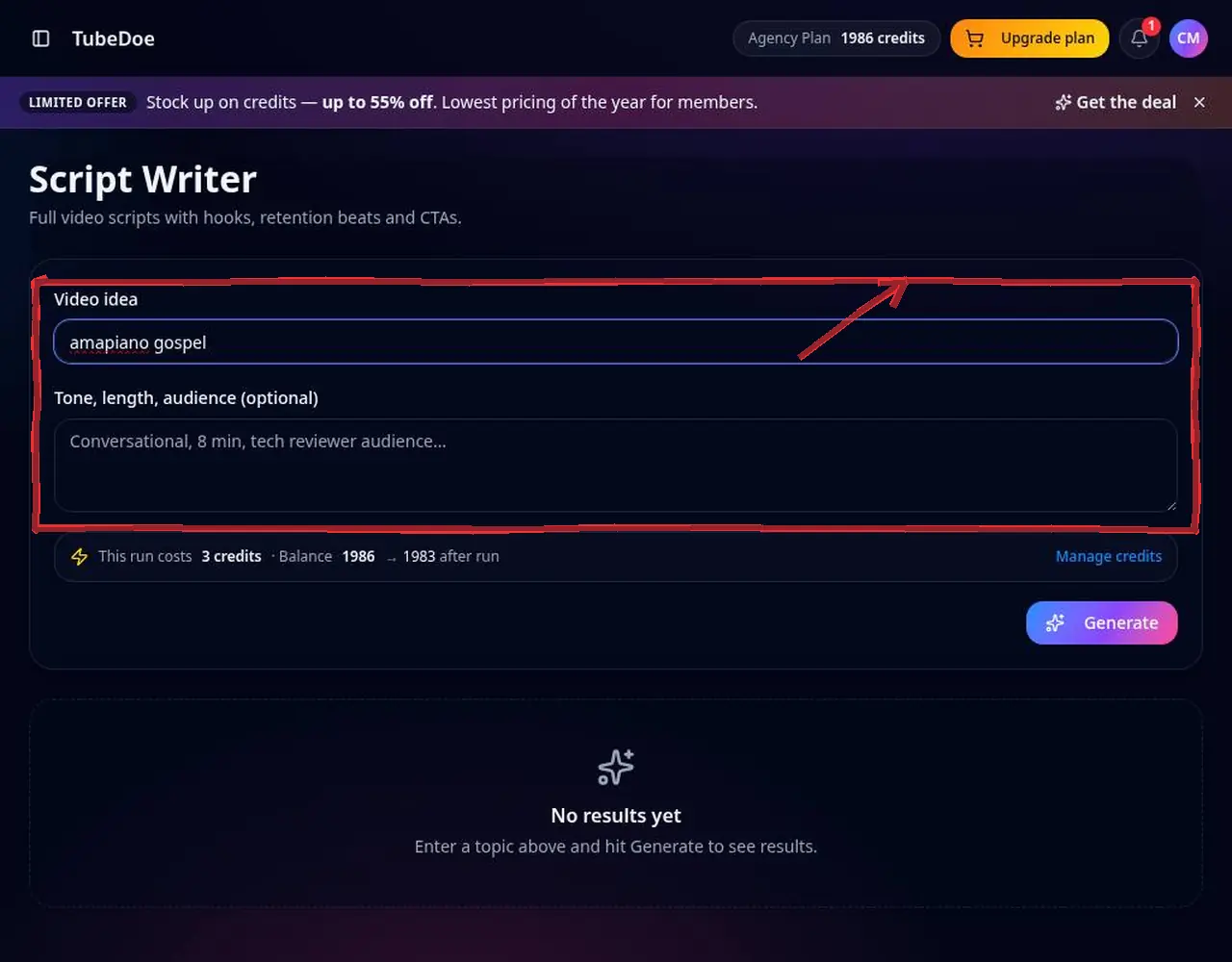
Enter the idea, e.g. “amapiano gospel playlist reaction”.
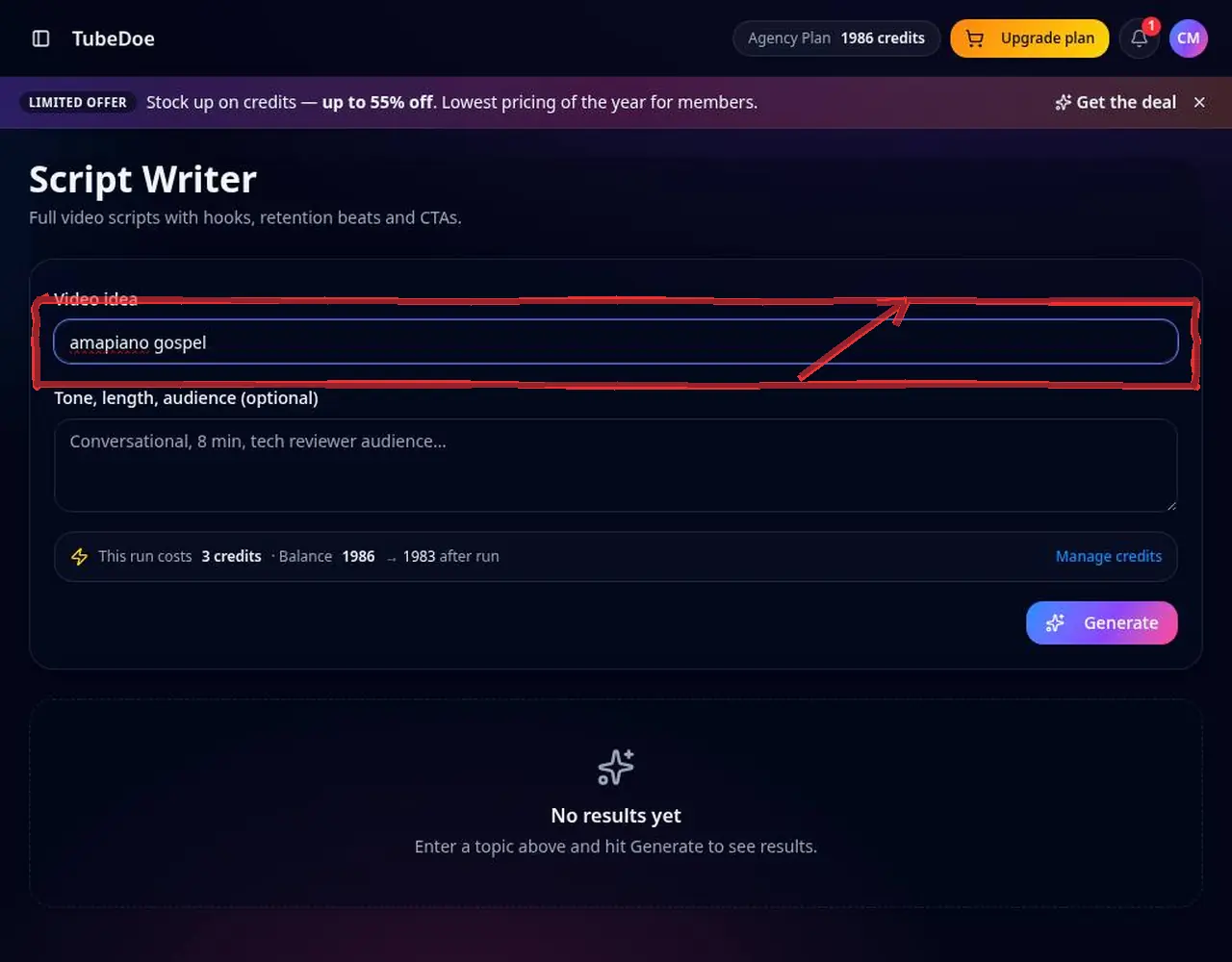 2: Describe your idea
Step 2 — Describe your idea 3Set tone, length and audience
Choose a style (conversational, energetic), length (e.g. 8 minutes or 45 seconds for Shorts) and who it's for.
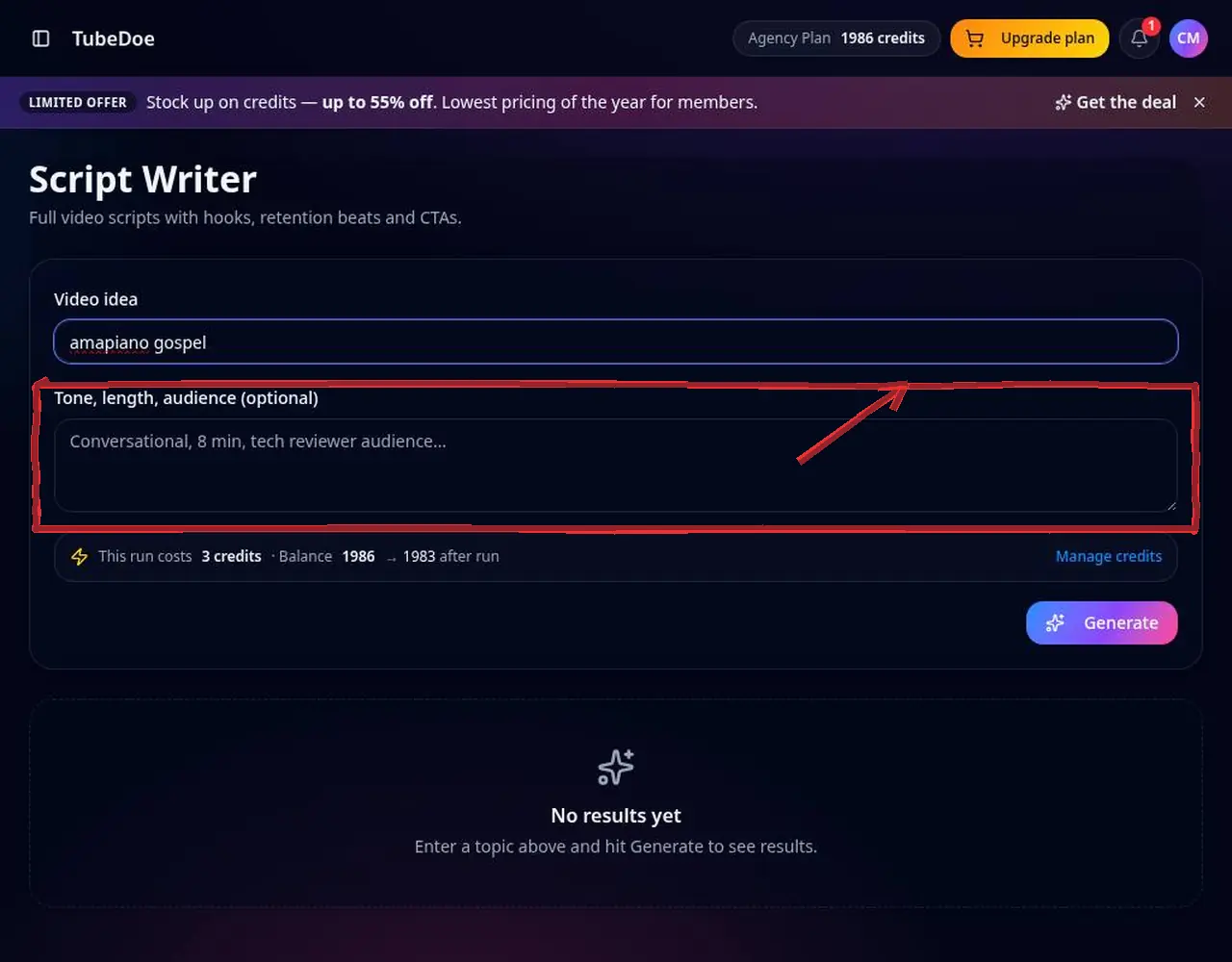 3: Set tone, length and audience
Step 3 — Set tone, length and audience 4Confirm the cost and write
The credit cost is shown first. The script starts with a hook and includes retention beats.
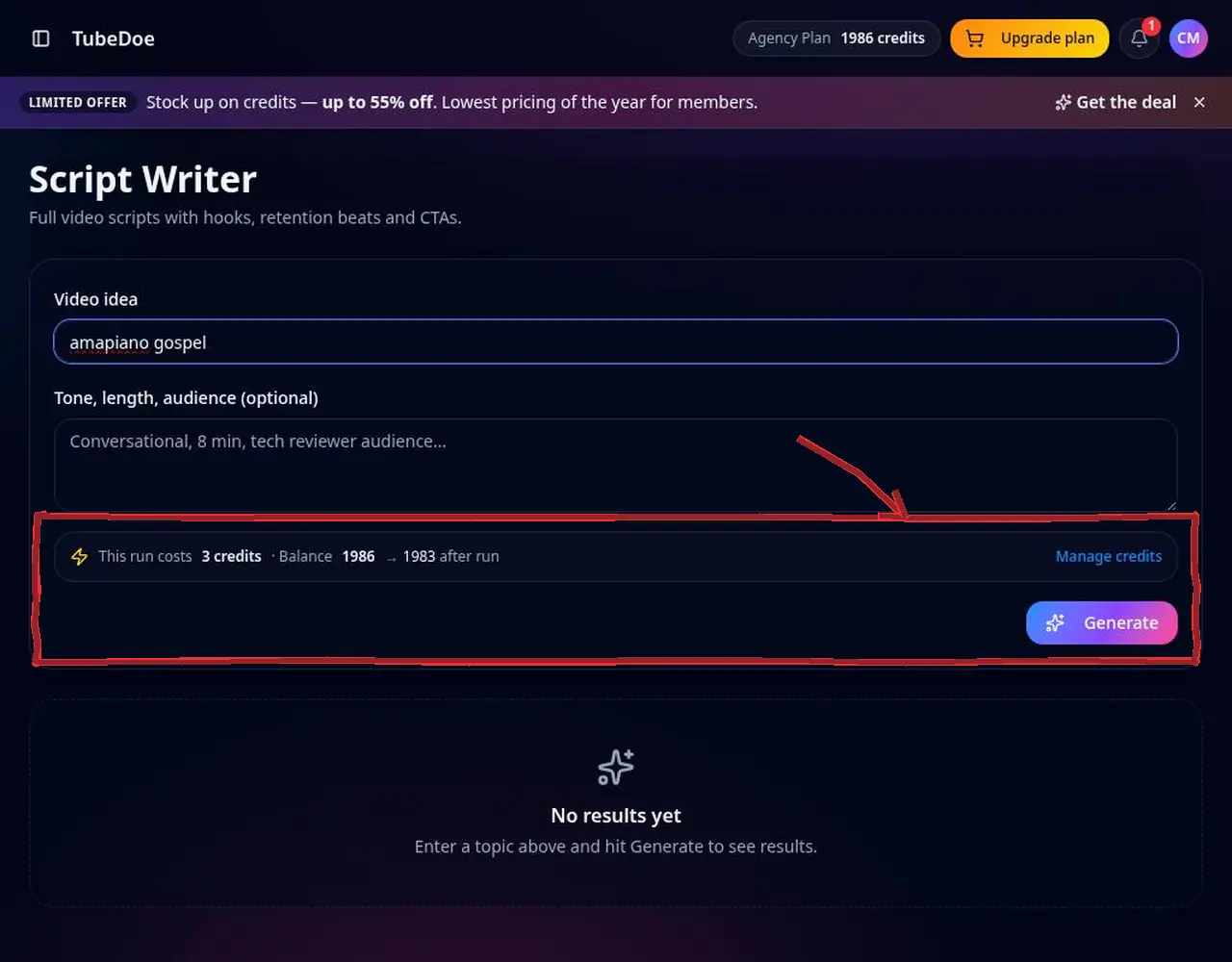 4: Confirm the cost and write
Step 4 — Confirm the cost and write 5Edit and record
Copy the script, adjust it to your voice and film.
 5: Edit and record
Step 5 — Edit and record
Pro tips
- Budget about 130–150 spoken words per minute.
- Deliver the promise of your title in the first 30 seconds.
Mistakes to avoid
- Reading word for word — use the script as a guide.
YouTube Script Writer FAQ
How long should a YouTube script be?
About 130–150 spoken words per minute of video.
Can I write Shorts scripts?
Yes, set a short length like 30–60 seconds.
Can I edit the script?
Yes, copy it and edit freely.
Can I write scripts in other languages?
Yes, write your idea in the language you want the script in.