YouTube Shorts Length Increased to 3 Minutes: What Changes for Creators
YouTube Shorts can now be up to 3 minutes long. What counts as a Short, the Content ID catch for clips over 60 seconds, and how to use the extra time.
10 min read · November 2, 2026
Key takeaways
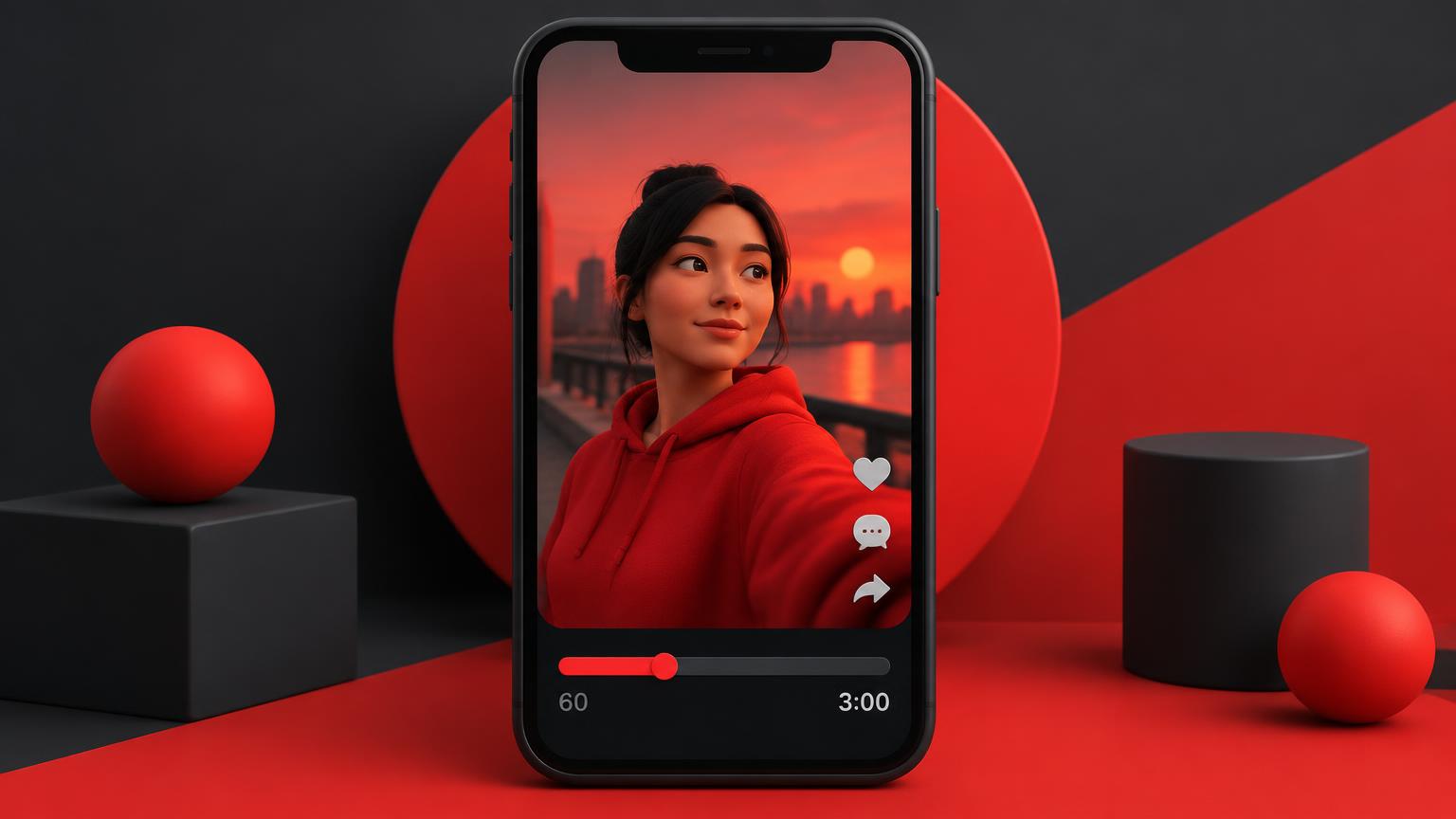
- Square or vertical uploads up to 3 minutes are Shorts.
- Over 60 seconds plus any Content ID claim = blocked worldwide.
- Use the extra time for depth, not padding — hook in the first second still wins.
What YouTube changed
Since October 15, 2024, any new upload with a square or vertical aspect ratio up to 3 minutes long is treated as a Short. Before this update the limit was 60 seconds. YouTube surfaces the update in the "What's new in Studio" card on your channel dashboard as "Increasing Shorts length".
Longer Shorts also sit inside the Shorts revenue sharing model, so a 2-minute vertical video earns from the Shorts Feed, not from long-form ads. Source: YouTube policy updates.
The Content ID catch
This is the part many creators miss. A square or taller video over 60 seconds with an active Content ID claim of any type is blocked globally and is not eligible for monetization.
- You do not get a copyright strike for these blocked Shorts.
- You can dispute the claim or remove the claimed content (often music) to make the Short viewable again.
- Shorts of 60 seconds or less keep the earlier claim behaviour, so licensed music is safest in shorter clips.
What counts as a Short now
- Aspect ratio is square (1:1) or vertical (9:16 or taller).
- Length is 3 minutes or less.
- Uploaded on or after October 15, 2024 — older uploads keep their original classification.
Step by step: plan a longer Short that still holds attention
Longer is only better when every second earns its place. Use this flow to decide whether an idea deserves 30 seconds or 3 minutes.
- 1
Pick a topic with proven demand
Check what is rising in your country before you script, so the extra length goes to a topic people already want.
Click here to open YouTube Trend Discovery - 2
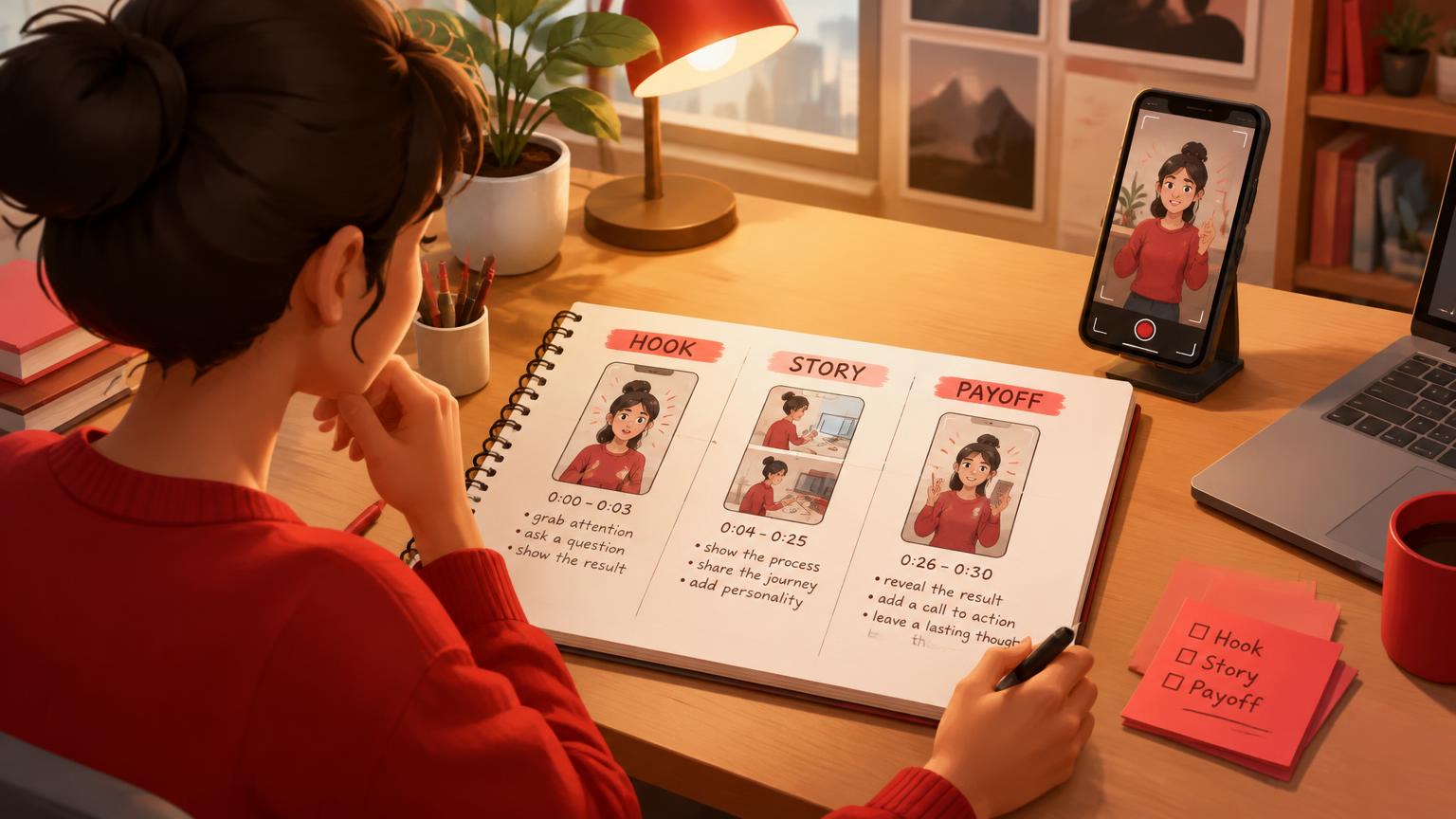
Script hook, story, payoff
Ask the Script Writer for a Short with a one-line hook, two or three beats and a loop ending. Trim any beat that repeats.
Click here to open YouTube Script Writer - 3
Clear your music
If the Short runs past 60 seconds, use only music you own or YouTube Audio Library tracks — a single Content ID claim blocks it.
- 4
Package it
Write a Shorts-length title and make a vertical 1080×1920 cover in your channel style.
Click here to open YouTube Thumbnail Creator in Thumbnail Studio - 5
Compare against long-form
Watch engaged views vs views in Analytics; if retention falls off after 60 seconds, cut the next one shorter.
Click here to open YouTube Channel Dashboard
When to stay under 60 seconds
Keep it short when you use trending or licensed music, when the idea is a single joke or reveal, or when your Shorts retention already drops after 20–30 seconds. Go longer for tutorials, before/after stories, recipes and mini-reviews where viewers want the full result.
Pro tip: Re-upload is not needed for old Shorts — the 3-minute rule applies to new uploads from October 15, 2024.
Frequently asked questions
How long can a YouTube Short be in 2026?
Up to 3 minutes, as long as the video is square or vertical. Anything longer, or horizontal, is treated as a regular long-form video. See how to grow with YouTube Shorts.
Why was my 2-minute Short blocked?
A square or vertical video over 60 seconds with any active Content ID claim is blocked globally. You will not get a copyright strike; dispute the claim or remove the claimed audio to restore it.
Do 3-minute Shorts earn Shorts revenue?
Yes. Square or vertical uploads up to 3 minutes are part of the Shorts revenue sharing model, as long as they are not blocked by a Content ID claim.
Are longer Shorts better for views?
Not automatically. Shorts are recommended on how many people keep watching, so a tight 30-second Short often beats a slow 2-minute one. Use YouTube Trend Discovery to pick topics and the YouTube Script Writer to keep beats tight.
Do I need to change my old Shorts?
No. The change applies to new uploads from October 15, 2024 onwards.
Put this into practice with TubeDoe
Tools for ideas, thumbnails, SEO and channel audits. 5 free credits.
Plan my next Short