How to Use the YouTube Channel Audit & Growth Coach: Step-by-Step Tutorial
Paste a channel or video link and get one clear conversation: a scored audit of your channel health, the videos dragging you down, and a prioritised list of fixes you can copy straight into YouTube Studio.
1Open Channel Audit and paste a link
Go to Channel Audit. In the box, paste your @handle (e.g. @Caweezy), your channel URL, or a single video link. Video links are resolved to their channel automatically, so both use the same real data.
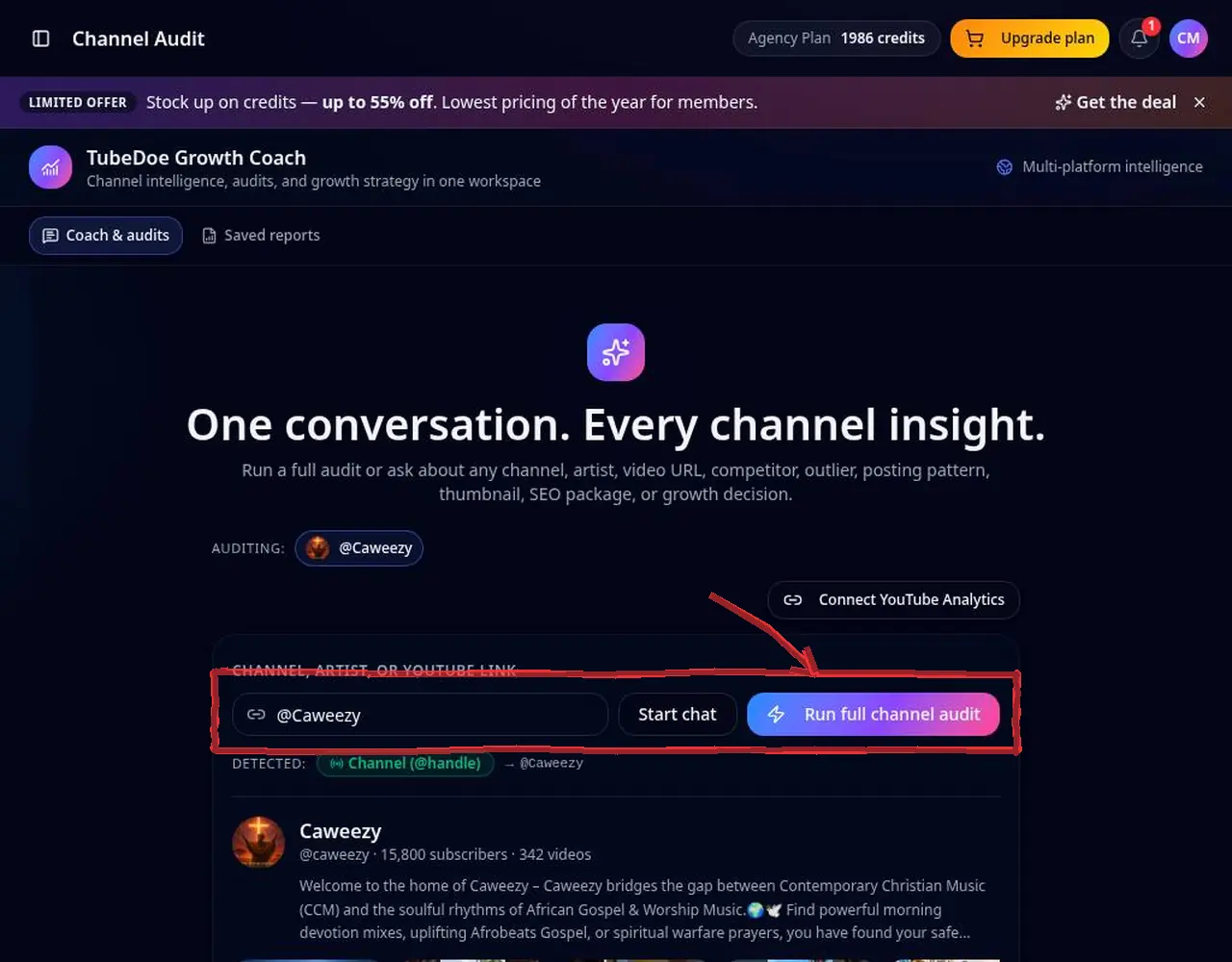 1: Open Channel Audit and paste a link
Step 1 — Open Channel Audit and paste a link 2Choose what to analyse
Pick the full audit, or a focused question such as titles, thumbnails, upload rhythm or outliers. You can always ask follow-up questions in the same conversation.
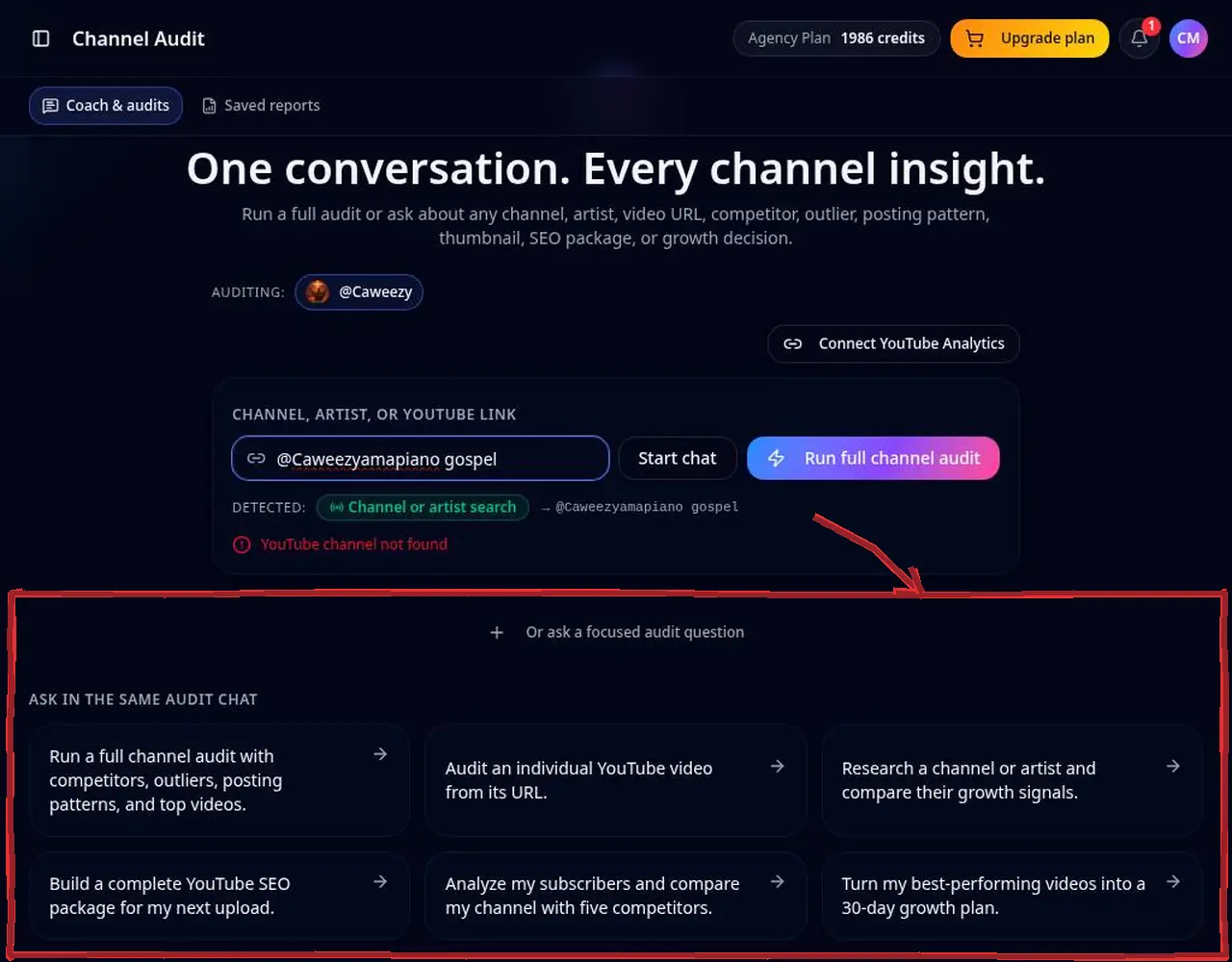 2: Choose what to analyse
Step 2 — Choose what to analyse 3Read the scored sections
Each section shows a score and the rules behind it, plus notices when data is missing. Start with the lowest-scoring section — that's your biggest win.
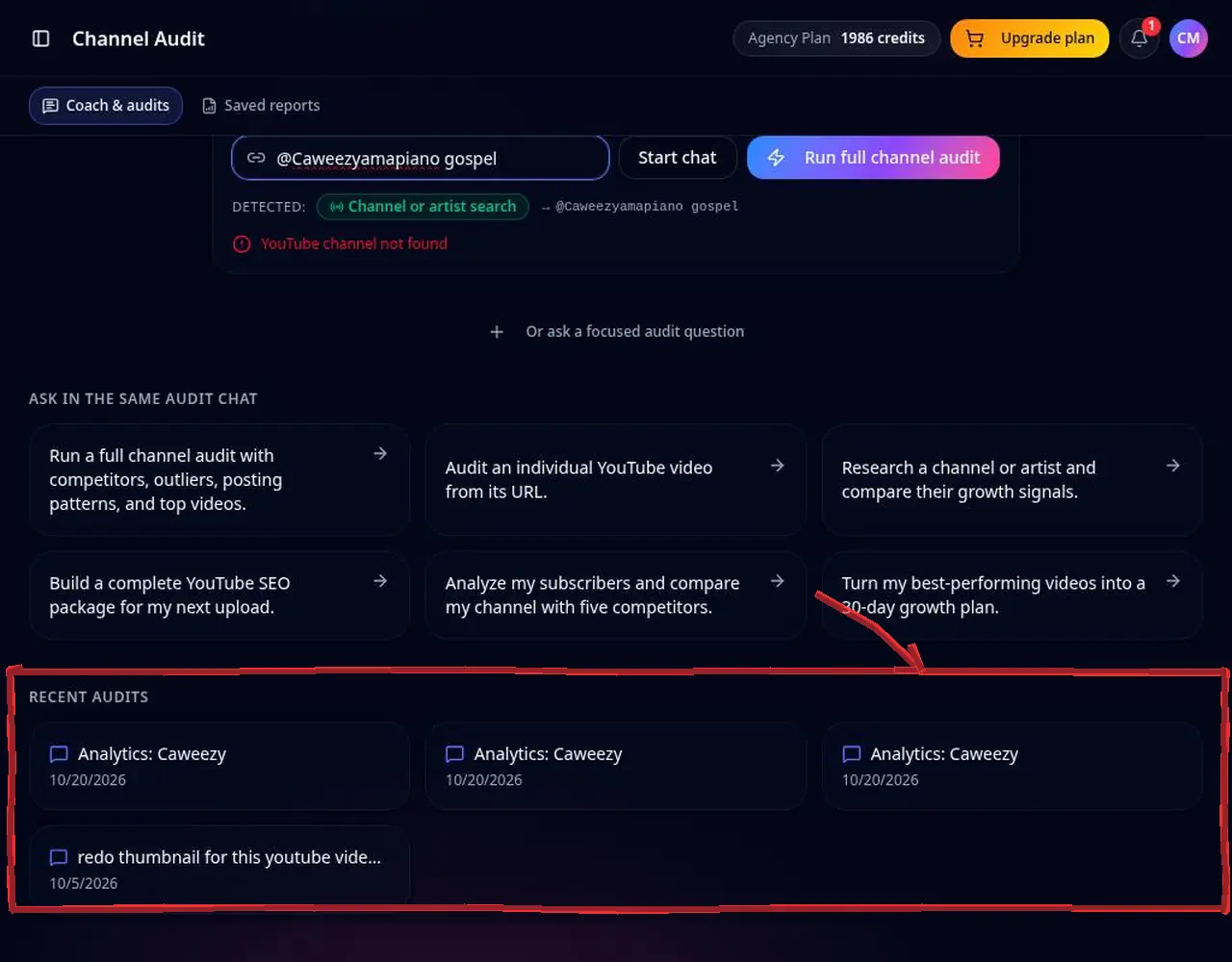 3: Read the scored sections
Step 3 — Read the scored sections 4Copy the fixes into YouTube Studio
Titles, descriptions and tags come in copy blocks. Click copy, open YouTube Studio and paste. TubeDoe never edits your channel for you.
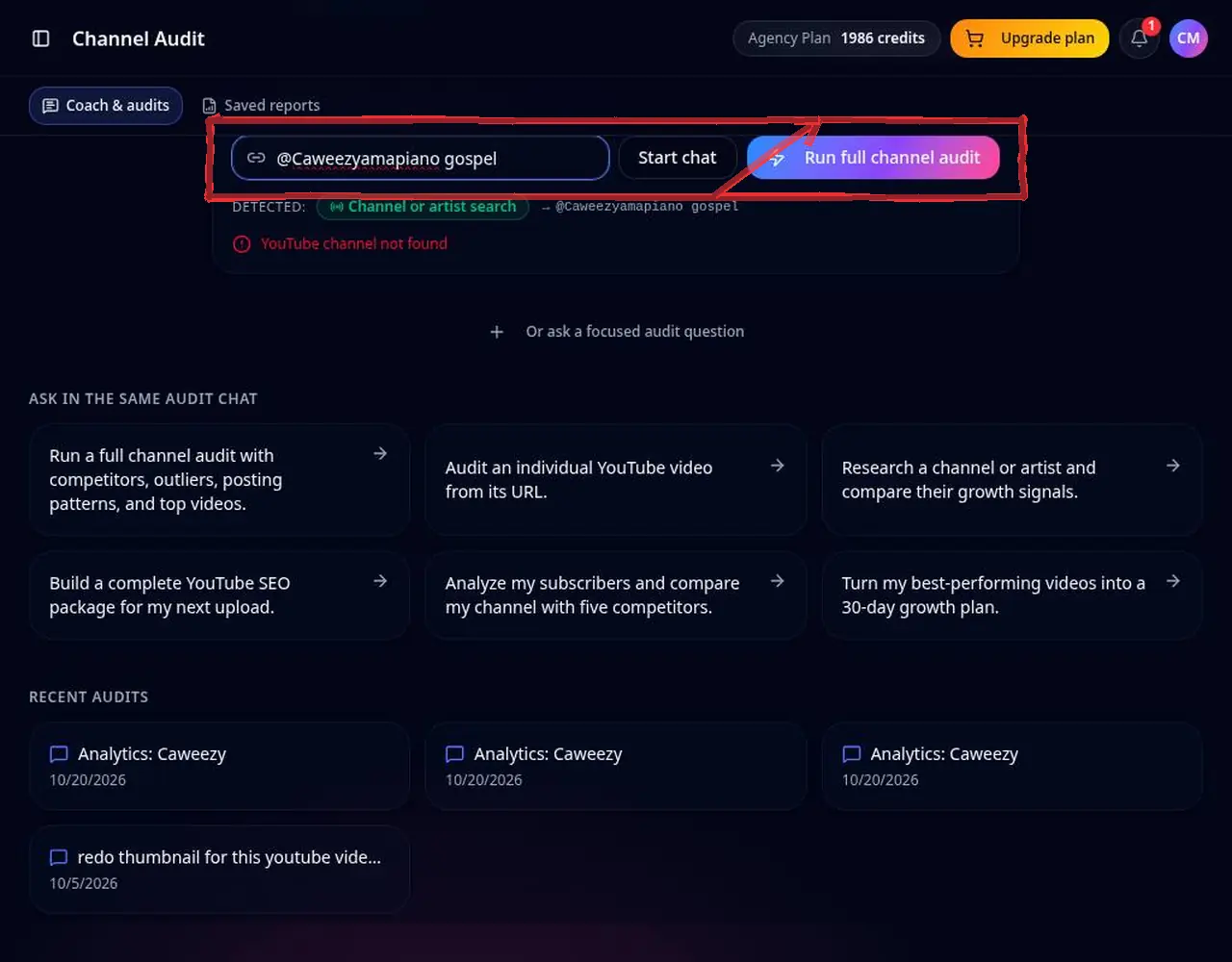 4: Copy the fixes into YouTube Studio
Step 4 — Copy the fixes into YouTube Studio 5Turn ideas into thumbnails and tasks
Use a suggested thumbnail button to open the brief in the YouTube Thumbnail Maker, or ask the Growth Coach to plan your next three uploads.
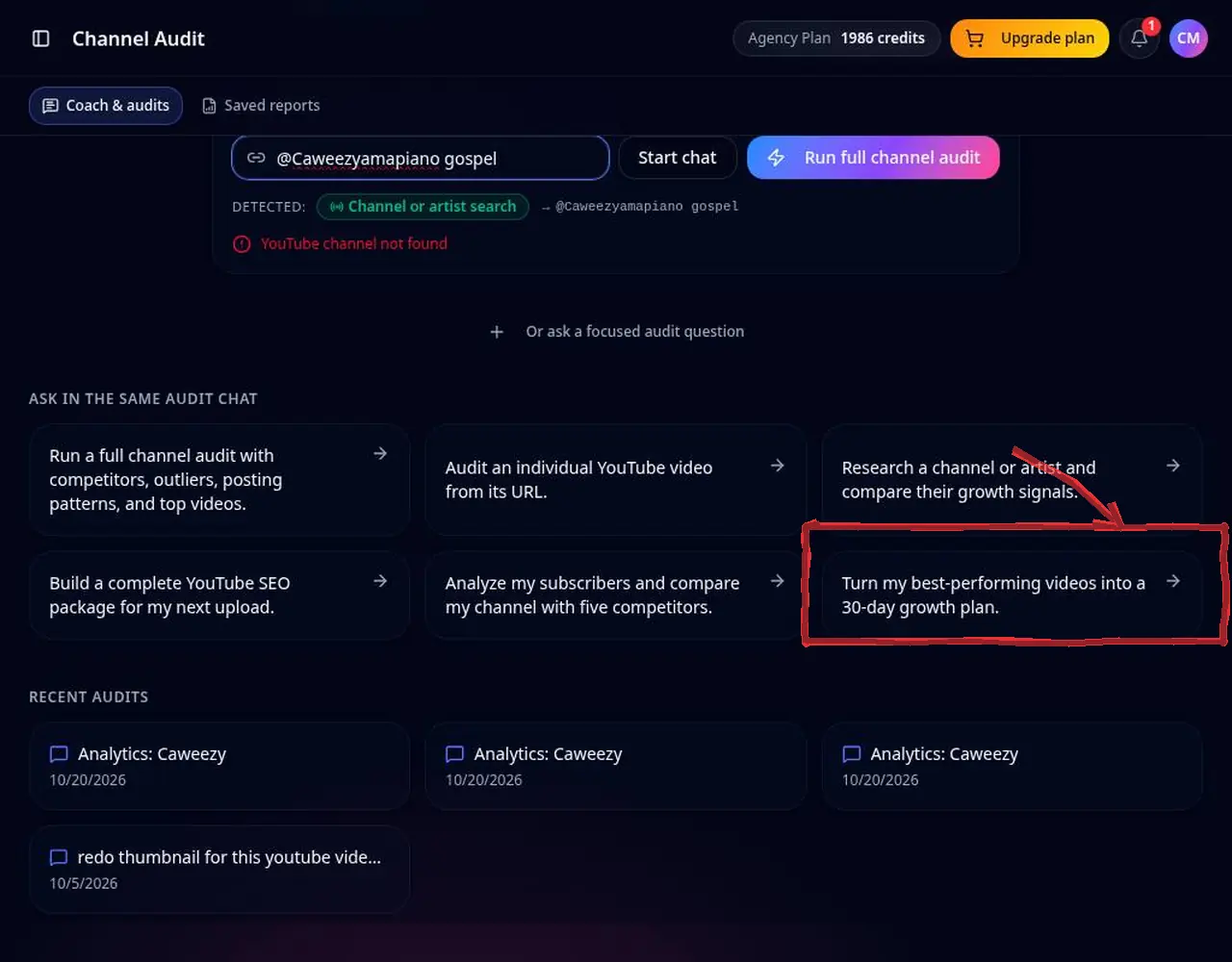 5: Turn ideas into thumbnails and tasks
Step 5 — Turn ideas into thumbnails and tasks
Pro tips
- Re-run an audit after 2–4 weeks of changes to compare scores.
- Audit a competitor in the same thread and ask “what are they doing that I'm not?”.
- Connect YouTube Analytics (read-only) on the YouTube Channel Dashboard to unlock watch time and CTR in reports.
Mistakes to avoid
- Trying to fix every section at once — work top-down by score.
- Expecting private metrics for channels you don't own; only public data is available for them.
YouTube Channel Audit & Growth Coach FAQ
Is the YouTube channel audit free?
New accounts get 5 free starter credits, enough to run your first audit. No credit card needed.
Do I need to connect my YouTube account?
No. Audits work from public channel data. Connecting YouTube Analytics (read-only) adds private metrics such as watch time.
Can I audit a competitor's channel?
Yes. Any public channel can be audited, and you can compare it with yours in the same conversation.
How long does a YouTube channel audit take?
Usually under a minute for the report, then as long as you like for follow-up questions.
Can I export the audit?
Yes. Reports can be exported and shared from the report view.