How to Use the YouTube Profile Picture & Banner Downloader (Free): Step-by-Step
Save any YouTube channel's profile picture and banner in full resolution — free, no sign-in. Follow these steps.
Time: 30 seconds
Cost: Free · no sign-in · no YouTube login
You need: A channel link or @handle
1Open the downloader
Go to the YouTube Profile Picture & Banner Downloader.
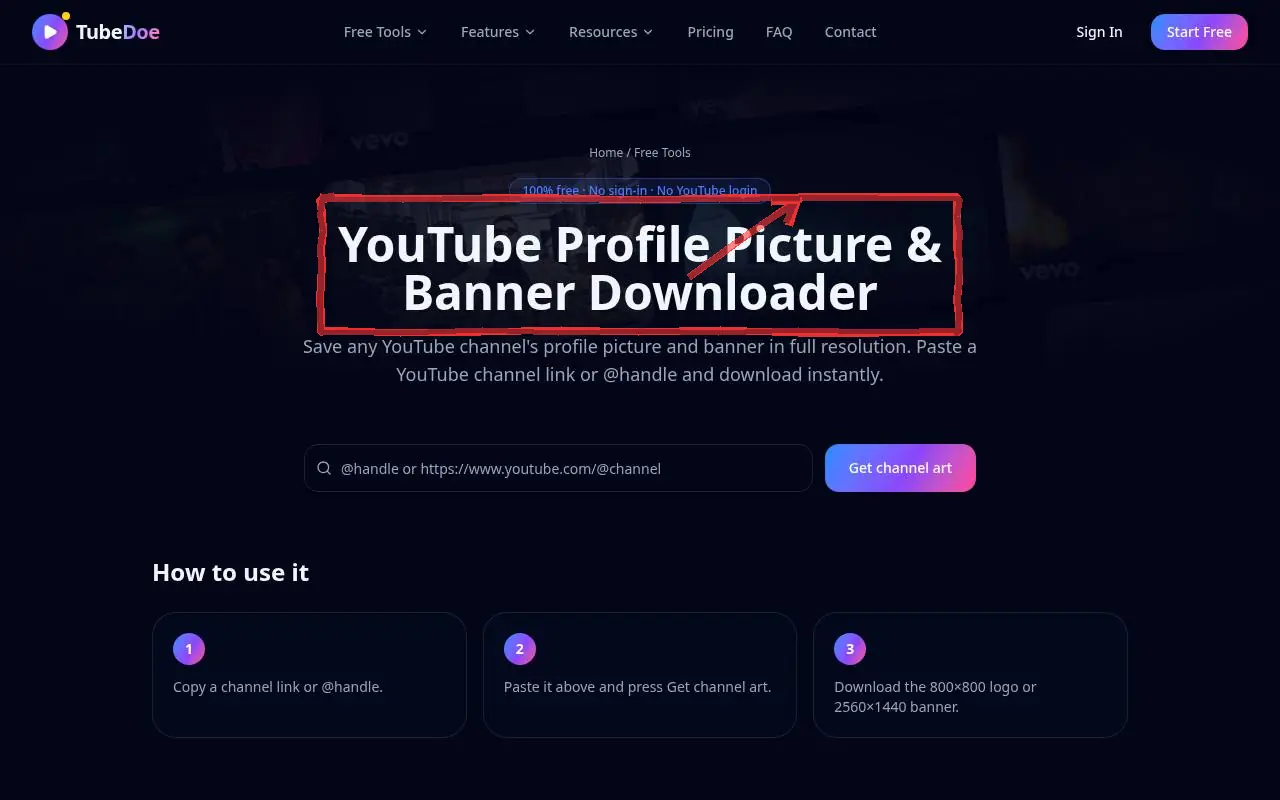 1: Open the downloader
Step 1 — Open the downloader 2Paste a channel link or @handle
Enter e.g. @Caweezy or a full channel URL and press Get channel art.
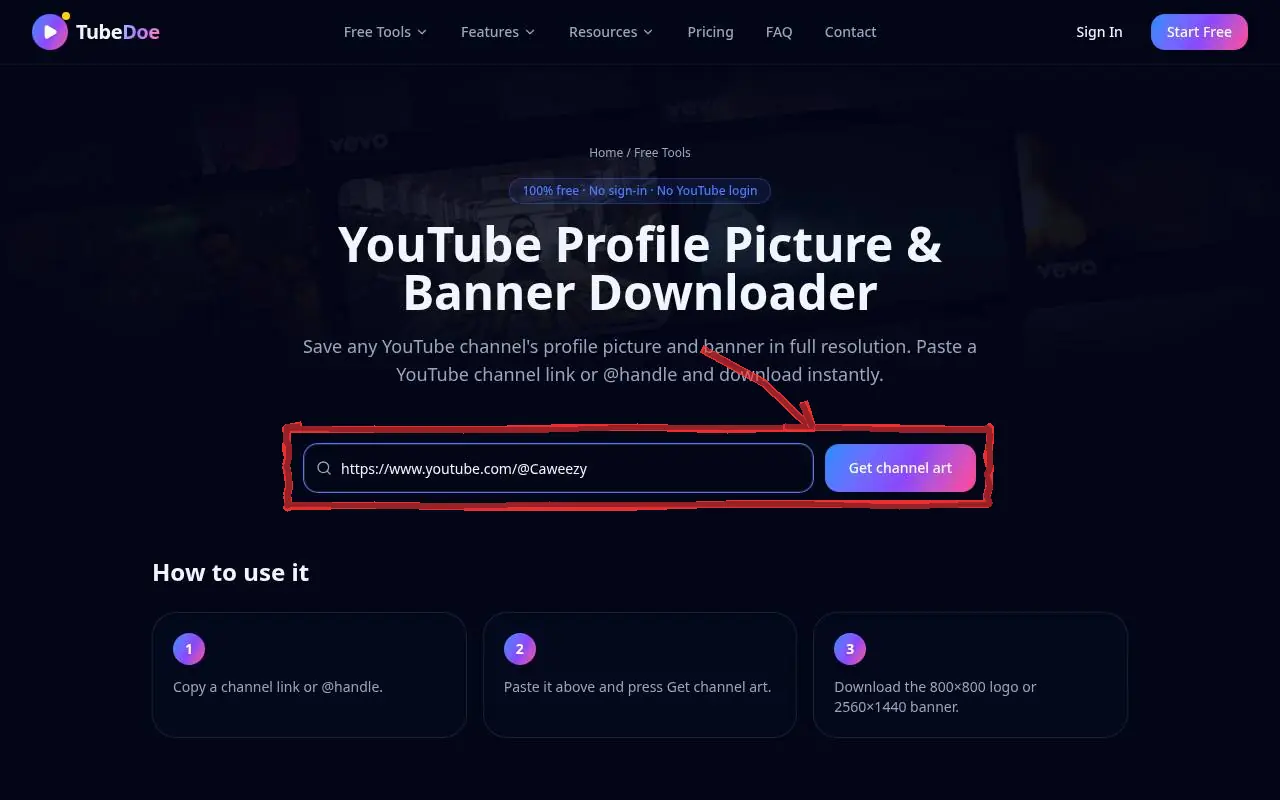 2: Paste a channel link or @handle
Step 2 — Paste a channel link or @handle 3Download logo or banner
Download the 800×800 profile picture or the 2560×1440 banner.
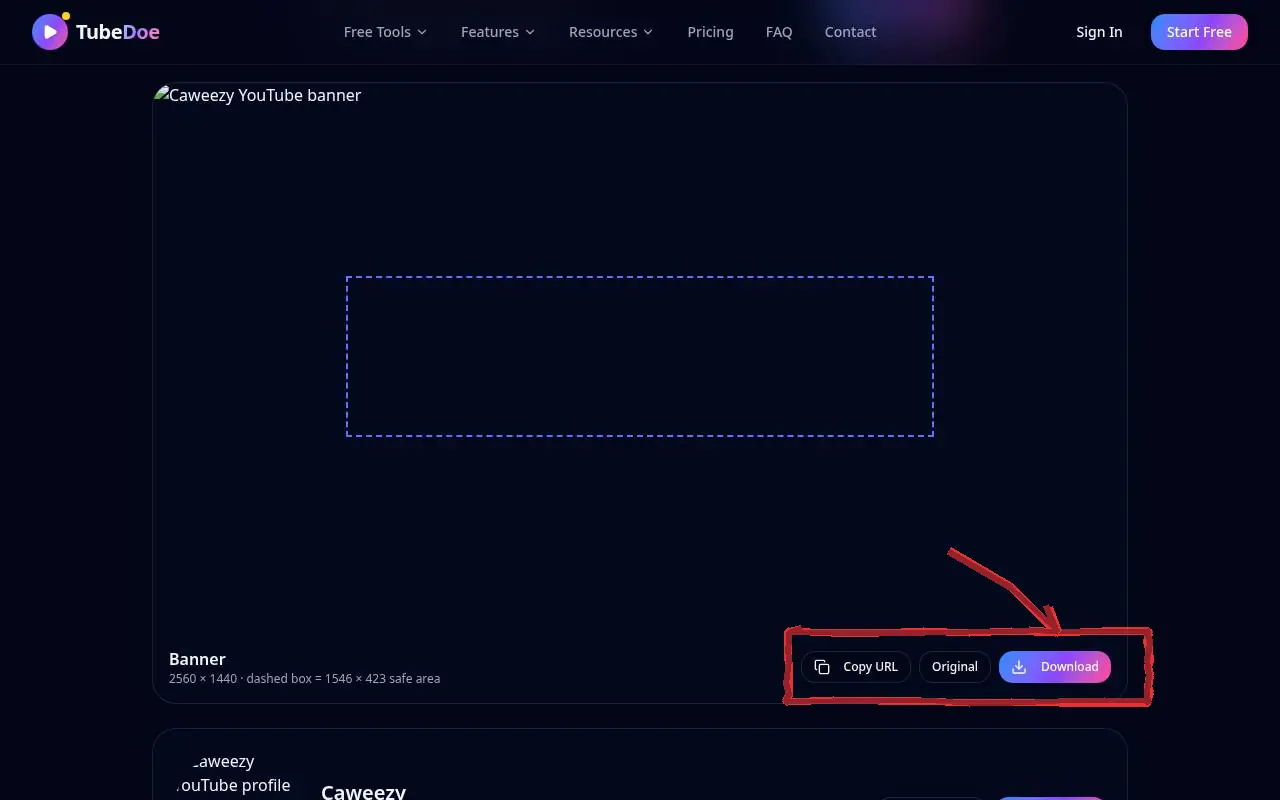 3: Download logo or banner
Step 3 — Download logo or banner
Pro tips
- Back up your own art before redesigning it in Channel Branding.
Mistakes to avoid
- Using another channel's logo as your own.
YouTube Profile Picture & Banner Downloader FAQ
Is it free?
Yes, free with no account and no YouTube login.
Why is there no banner?
Some channels haven't uploaded a banner; only the profile picture is shown then.
What sizes do I get?
The profile picture at 800×800 and the banner at its full uploaded size, usually 2560×1440.