How to Use the YouTube Thumbnail Downloader (Free): Step-by-Step
Download any YouTube video or Shorts thumbnail in full HD, free and without signing in. Here's exactly how, step by step.
Time: 30 seconds
Cost: Free · no sign-in · no YouTube login
You need: A YouTube video or Shorts link
1Open the downloader
Go to the YouTube Thumbnail Downloader.
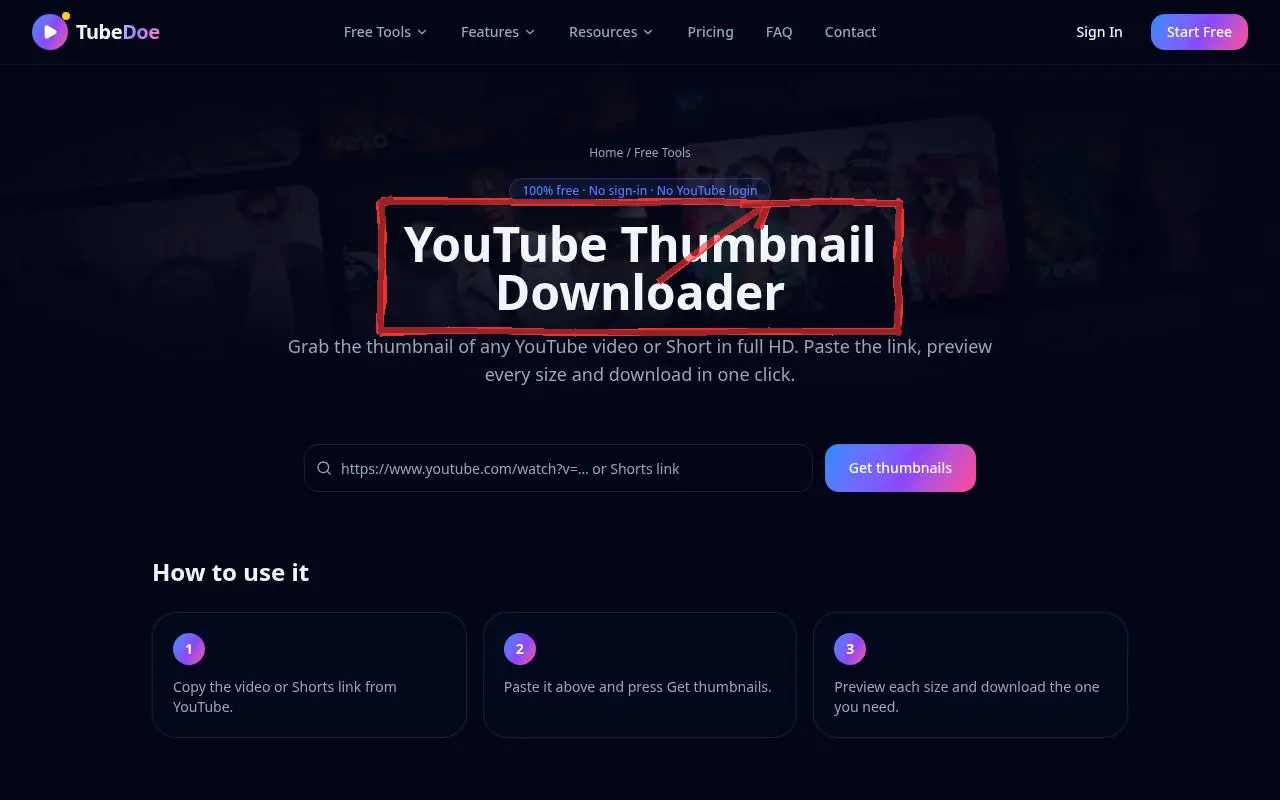 1: Open the downloader
Step 1 — Open the downloader 2Paste the video link
Copy the link from YouTube (Share → Copy link) and paste it into the box. Normal, youtu.be and Shorts links all work.
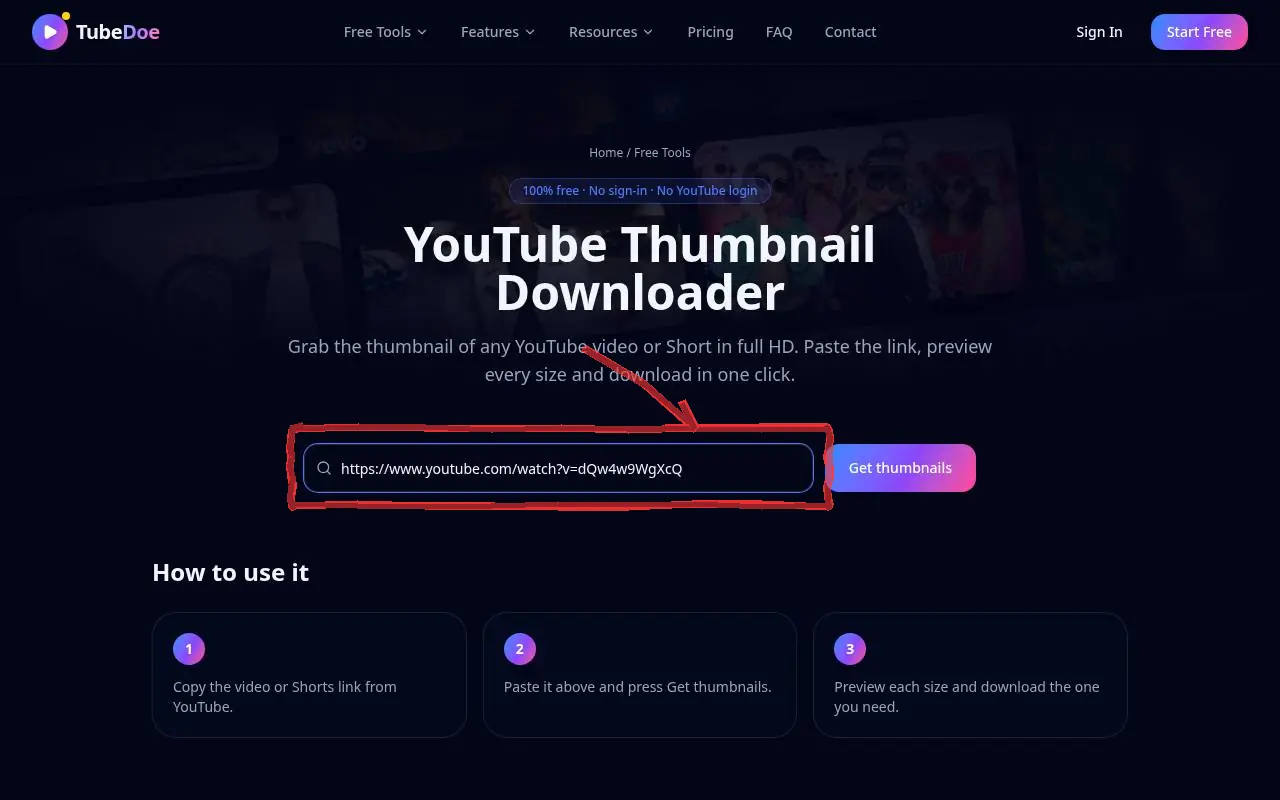 2: Paste the video link
Step 2 — Paste the video link 3Press Get thumbnails and download
Preview HD (1280×720), SD, HQ and MQ sizes and click Download on the one you want.
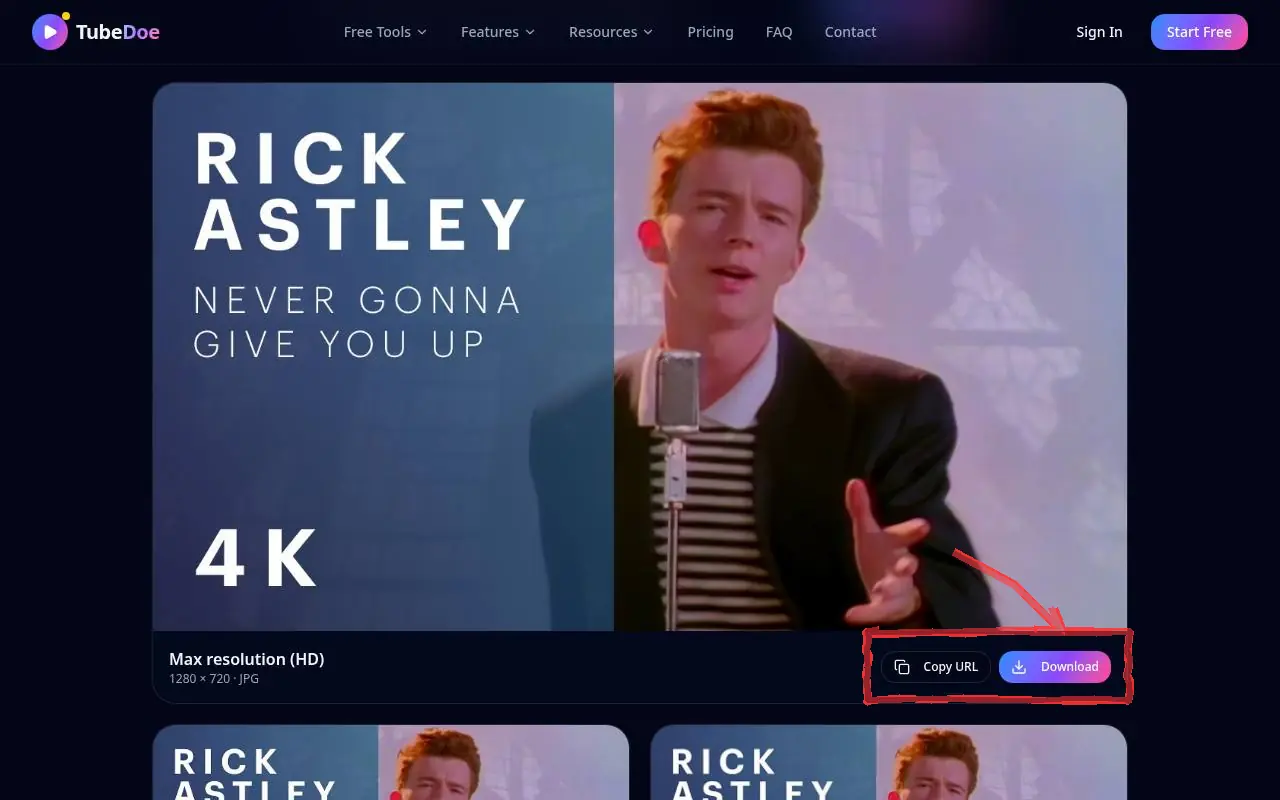 3: Press Get thumbnails and download
Step 3 — Press Get thumbnails and download
Pro tips
- Use downloaded thumbnails as references in the YouTube Thumbnail Maker.
- Older videos may not have an HD (maxres) version — pick SD instead.
Mistakes to avoid
- Reusing someone else's thumbnail as your own — use it only for study or reference.
YouTube Thumbnail Downloader FAQ
Is the YouTube Thumbnail Downloader free?
Yes, completely free with no account and no YouTube login.
Why is there no HD version?
Some older or low-resolution uploads don't have a 1280×720 thumbnail; the largest available size is shown.
Can I download Shorts thumbnails?
Yes. Paste the Shorts link the same way.
Can I use the thumbnail commercially?
Thumbnails belong to the channel that made them. Use them for reference, research or with permission.