How to Use the YouTube Tag Extractor (Free): Step-by-Step
YouTube hides video tags from viewers. This tutorial shows how to reveal and copy any video's tags for free.
Time: 30 seconds
Cost: Free · no sign-in · no YouTube login
You need: A YouTube video link
1Open the tag extractor
Go to the YouTube Tag Extractor.
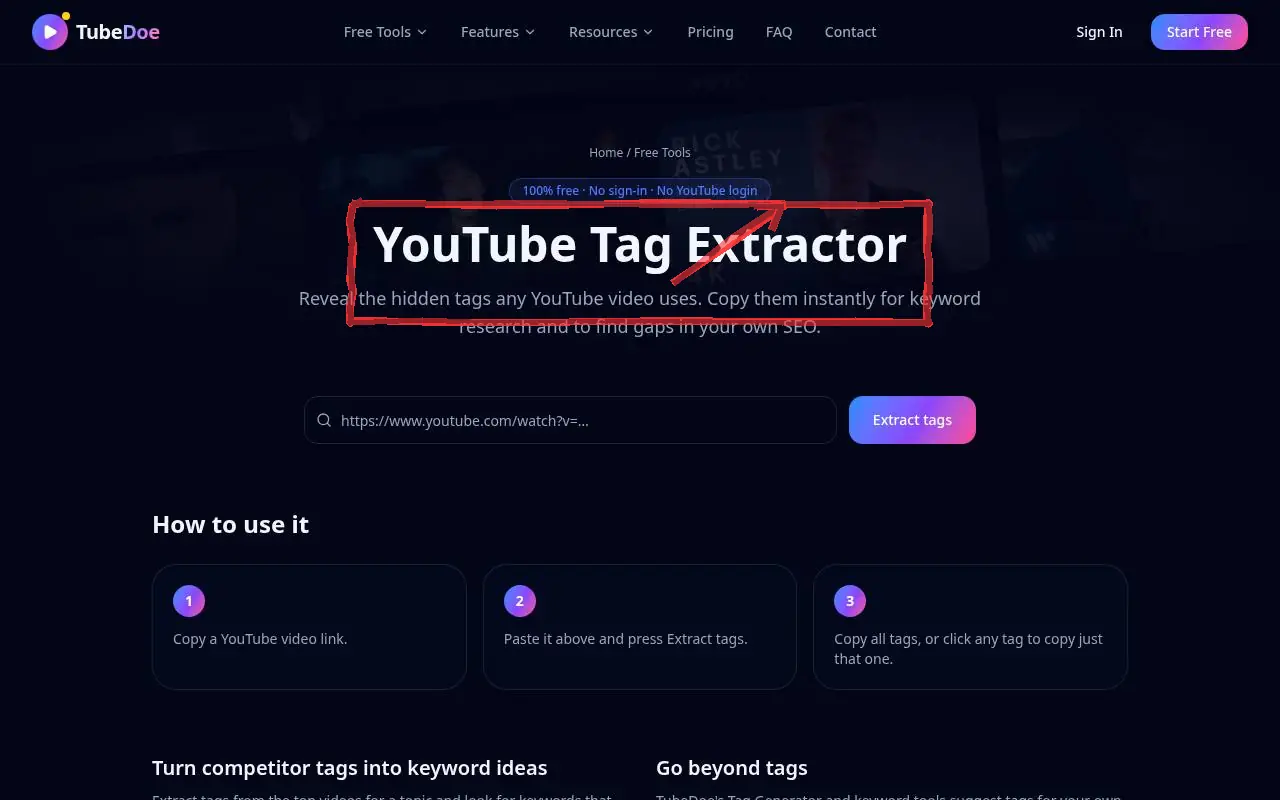 1: Open the tag extractor
Step 1 — Open the tag extractor 2Paste a video link
Paste the link and press Extract tags.
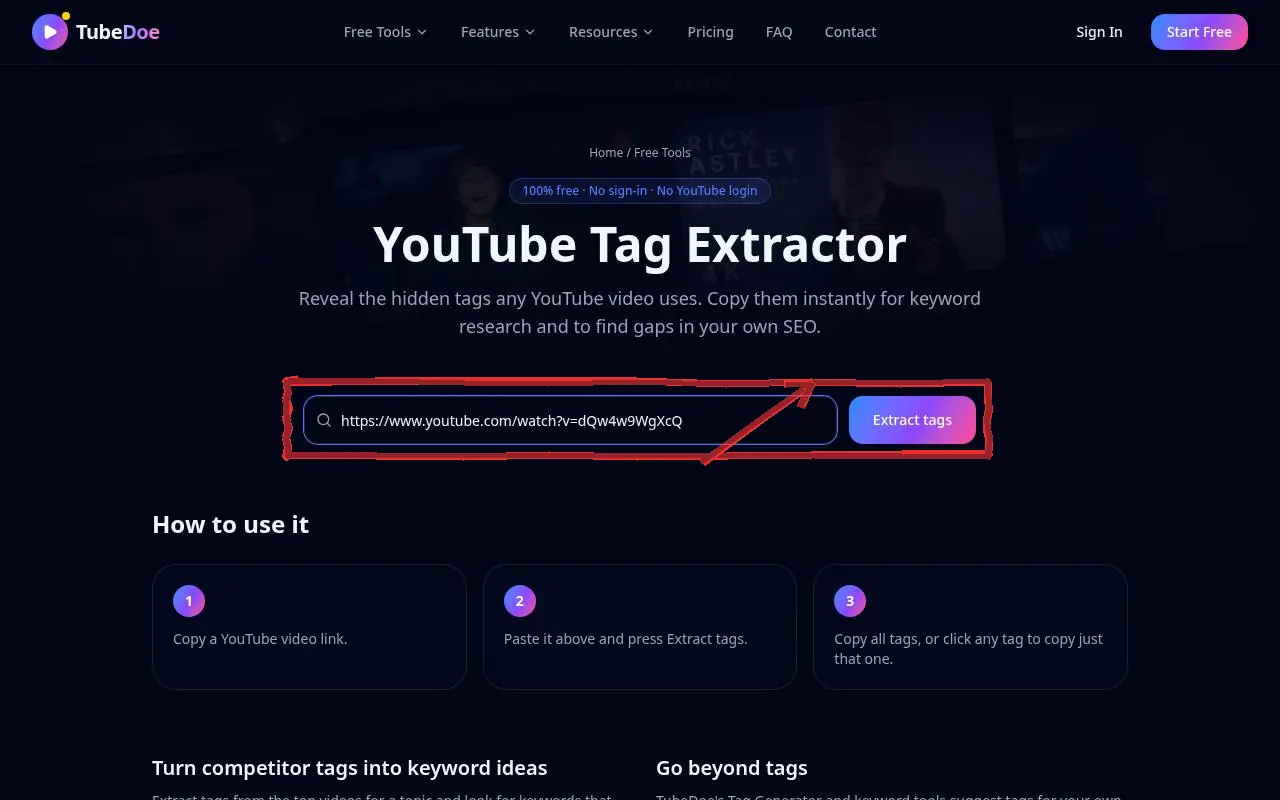 2: Paste a video link
Step 2 — Paste a video link 3Copy all or single tags
You'll see the tag count and characters used (out of YouTube's 500). Click Copy all, Copy as list, or any single tag.
 3: Copy all or single tags
Step 3 — Copy all or single tags
Pro tips
- Extract tags from the top 3–5 videos for a topic and look for repeats — those are the core keywords.
- Generate your own set with the YouTube Tag Generator.
Mistakes to avoid
- Pasting a competitor's channel-name tags into your video.
YouTube Tag Extractor FAQ
Why does a video show no tags?
Many creators don't add tags. The tool shows only what the video actually has.
Are tags important for YouTube SEO?
They're a minor signal; titles, descriptions and thumbnails matter more.
What's the tag limit?
500 characters in total per video.