How to Use the YouTube Title & Description Extractor (Free): Step-by-Step
Copy any YouTube video's full title, description, links, hashtags and chapter timestamps in seconds — free, no sign-in.
Time: 30 seconds
Cost: Free · no sign-in · no YouTube login
You need: A YouTube video link
1Open the extractor
Go to the YouTube Title & Description Extractor.
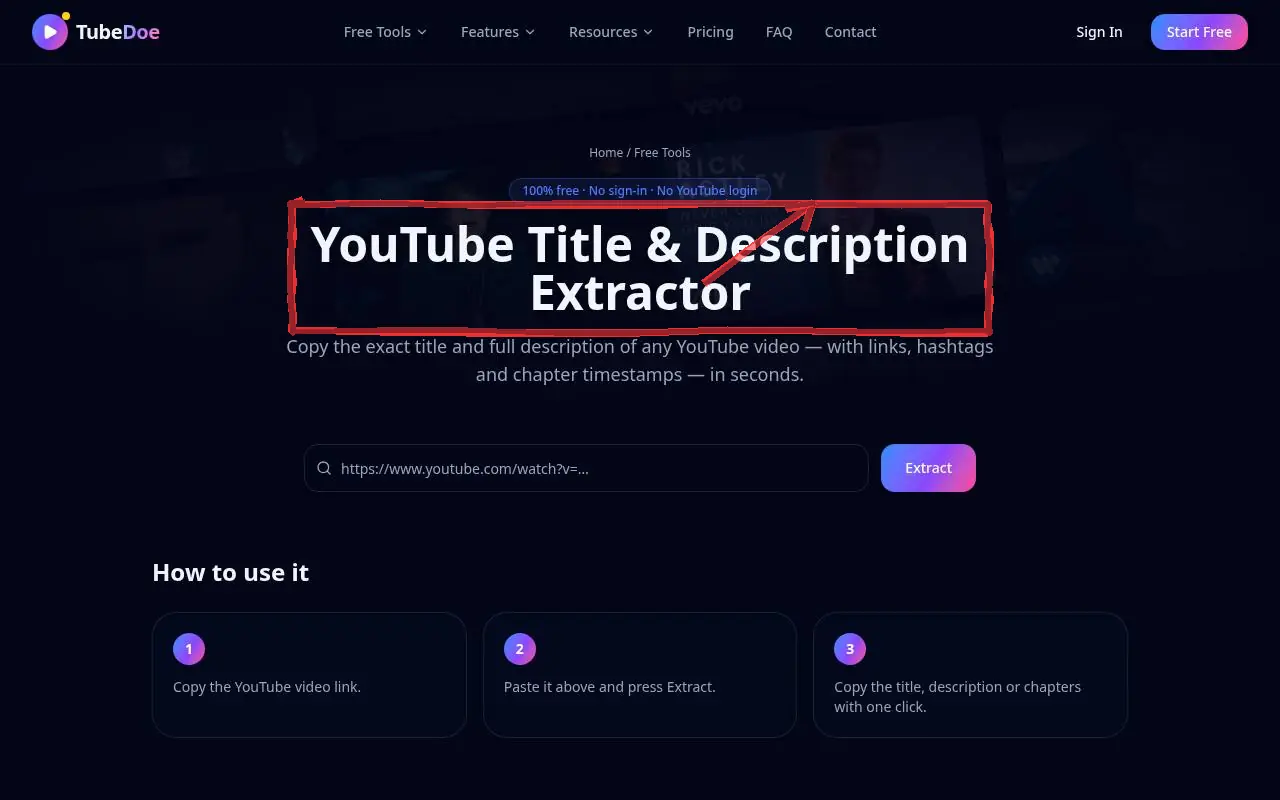 1: Open the extractor
Step 1 — Open the extractor 2Paste the video link
Paste a video or Shorts link into the box and press Extract.
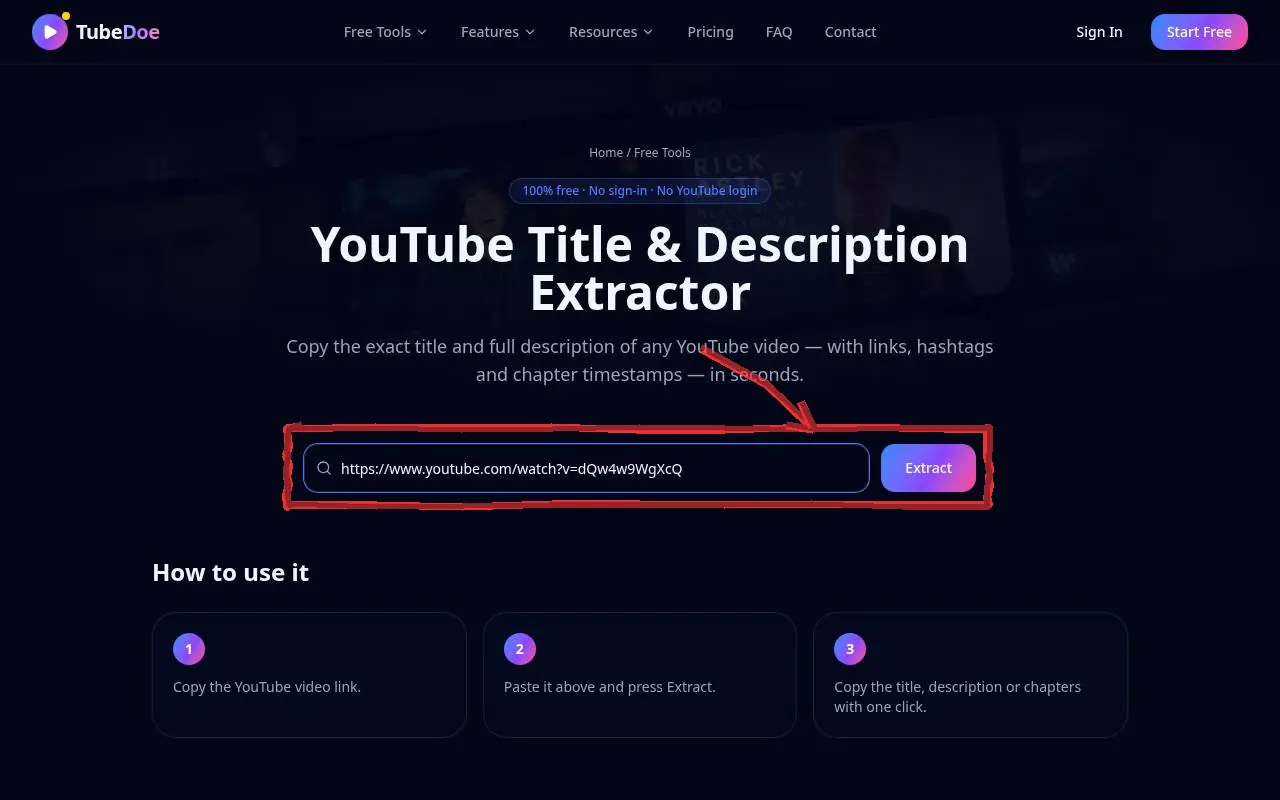 2: Paste the video link
Step 2 — Paste the video link 3Copy what you need
Copy the title, the full description or just the chapters with one click.
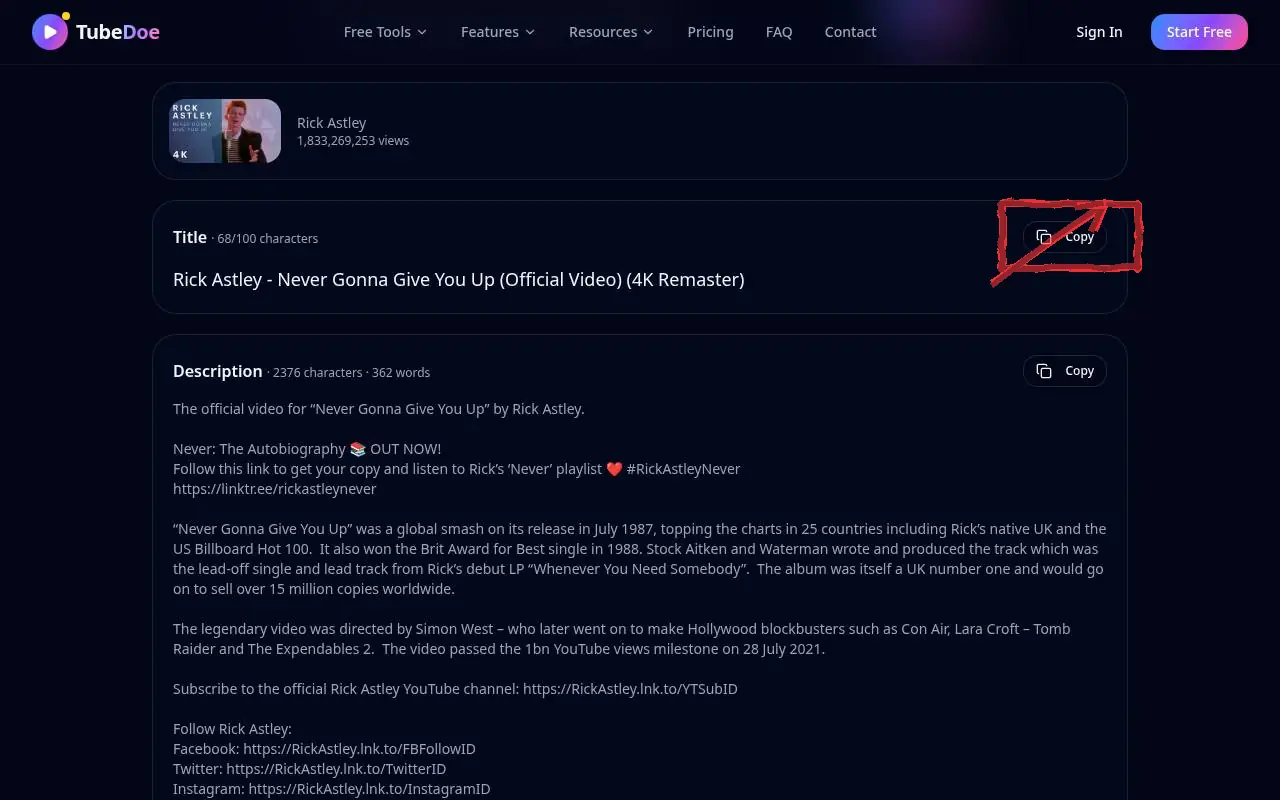 3: Copy what you need
Step 3 — Copy what you need
Pro tips
- Study how top videos write their first two description lines.
- Draft your own with the YouTube Description Generator.
Mistakes to avoid
- Copying a competitor's description word for word — YouTube may treat it as duplicate or misleading.
YouTube Title & Description Extractor FAQ
Is it free?
Yes, free with no account.
Does it get chapters?
Yes, timestamps in the description are detected and can be copied separately.
Can I extract from private videos?
No. Only public videos can be read.